INTRODUCTION
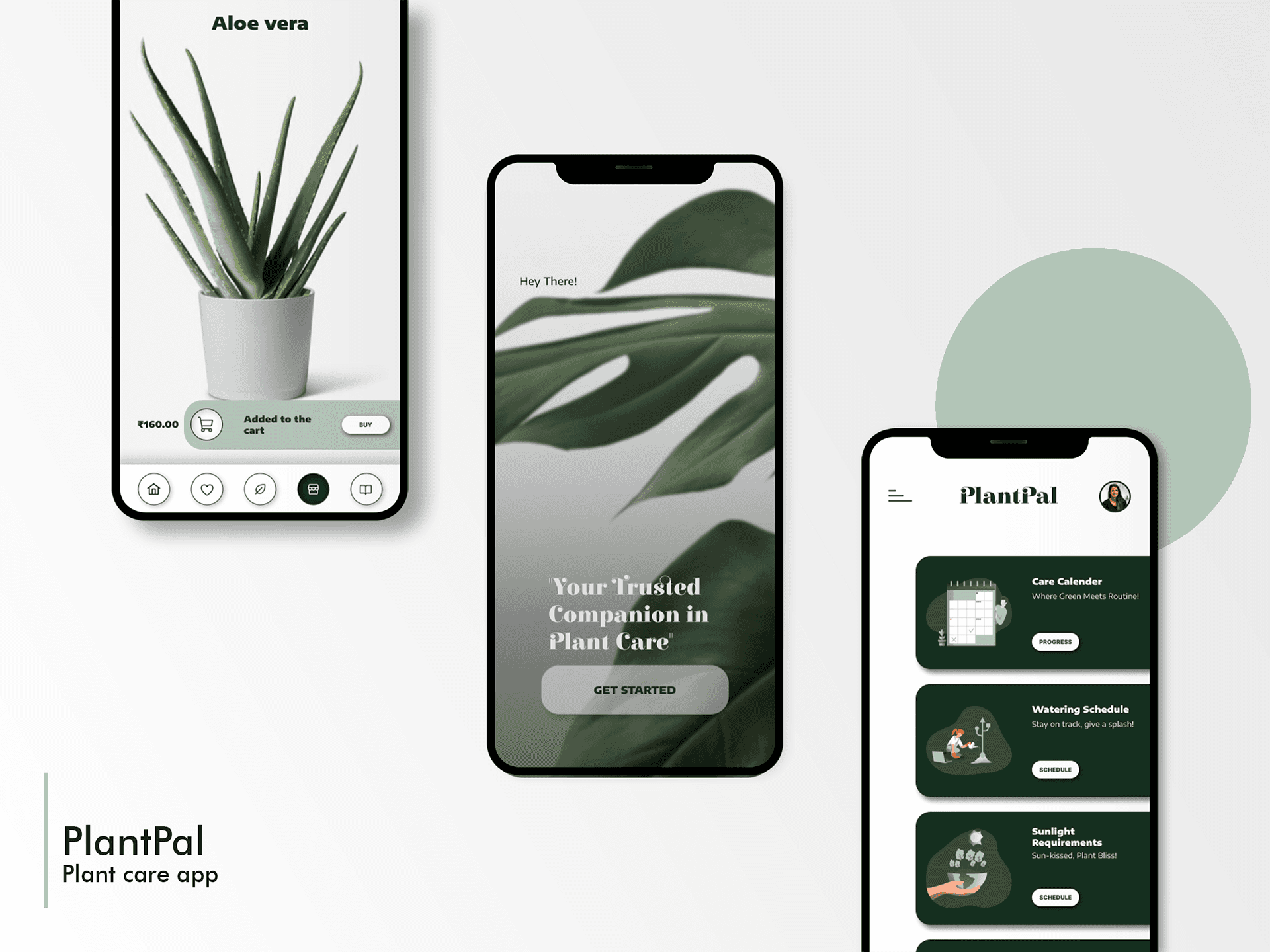
PlantPal is a concept web app designed to remove the guesswork from plant care. Existing plant-care resources are often generic, fragmented, or difficult to apply to individual home environments. PlantPal explores how personalized guidance, clear reminders, and intuitive workflows can help plant owners care for their plants with more confidence and consistency.
This project focuses on making plant care feel approachable rather than overwhelming, especially for beginners.
MY ROLE
UX Designer
TIMELINE
12 weeks
THE TEAM
Individual project (certificate project)
TOOLS USED
Figma, Google Forms, Google Slides, Adobe Illustrator, Adobe Photoshop, Pen & Paper
THE CHALLENGE
Plant ownership is growing, but many people struggle to keep plants healthy due to inconsistent advice and a lack of personalized support. Most guides don’t account for factors like environment, plant type, or user habits, leading to frustration and abandoned plants.
Why this matters?: This project mattered to me because it allowed me to explore how UX design can turn a knowledge-heavy, error-prone activity into a supportive, confidence-building experience. It also helped me practice designing a product that balances education, reminders, and engagement without overwhelming the user.
I framed this project around three learning goals:
"How users currently search for, interpret, and apply plant care information?"
"How information hierarchy and reminders affect long-term engagement and habit formation?"
"Where personalization adds real value versus where clarity and simplicity matter more?"
KEY FINDINGS
Across methods, the same patterns emerged.
DEFINE
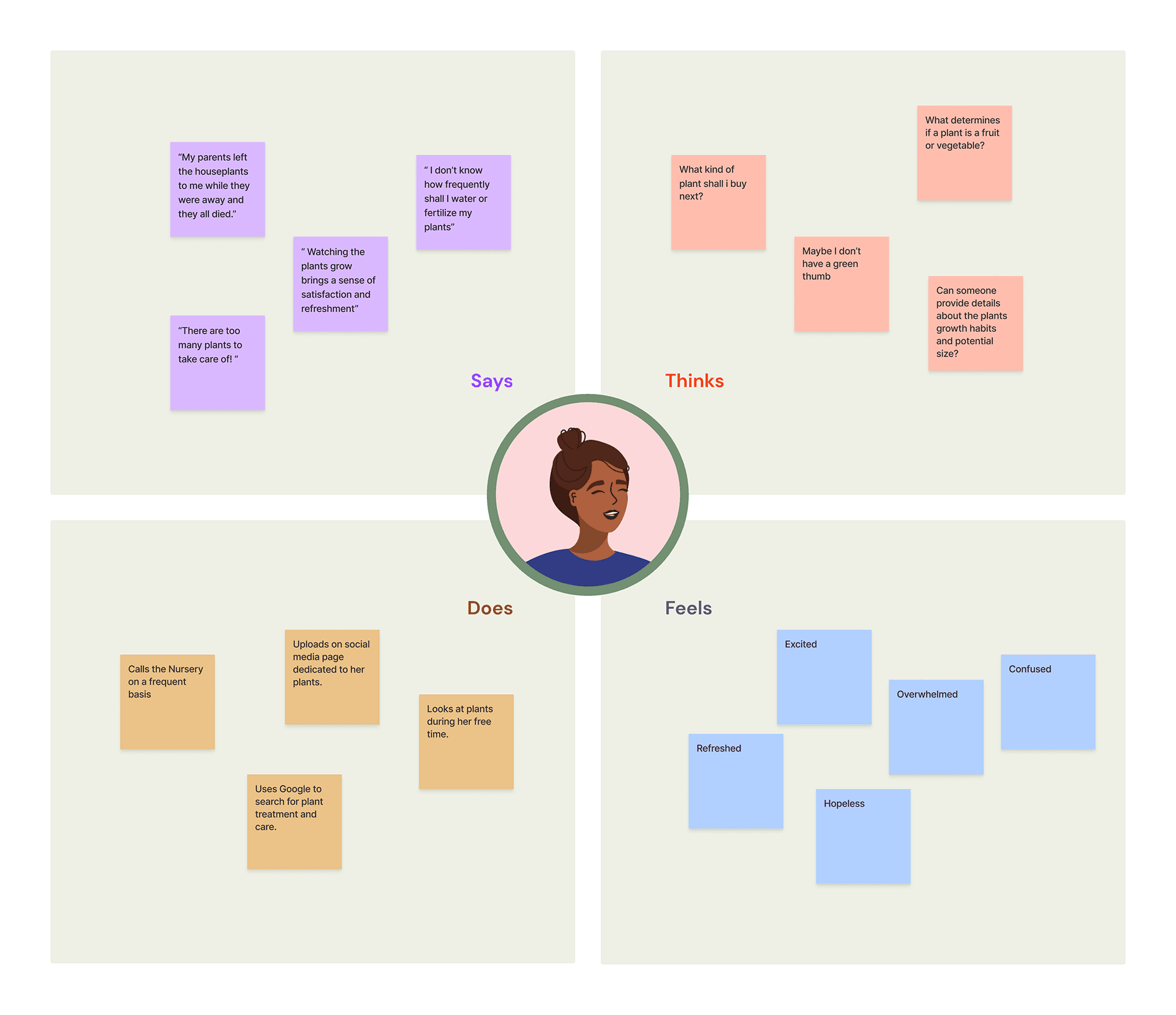
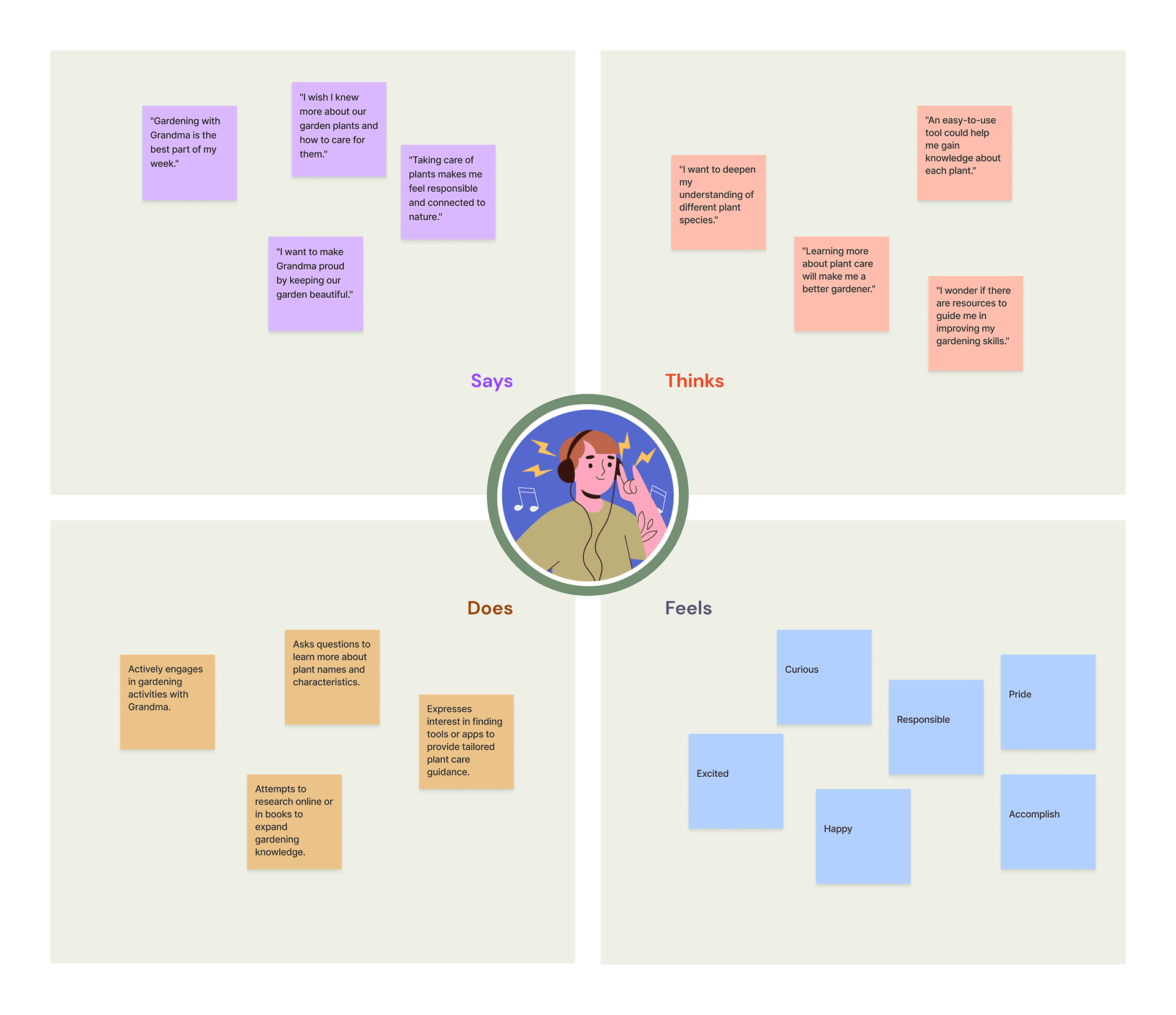
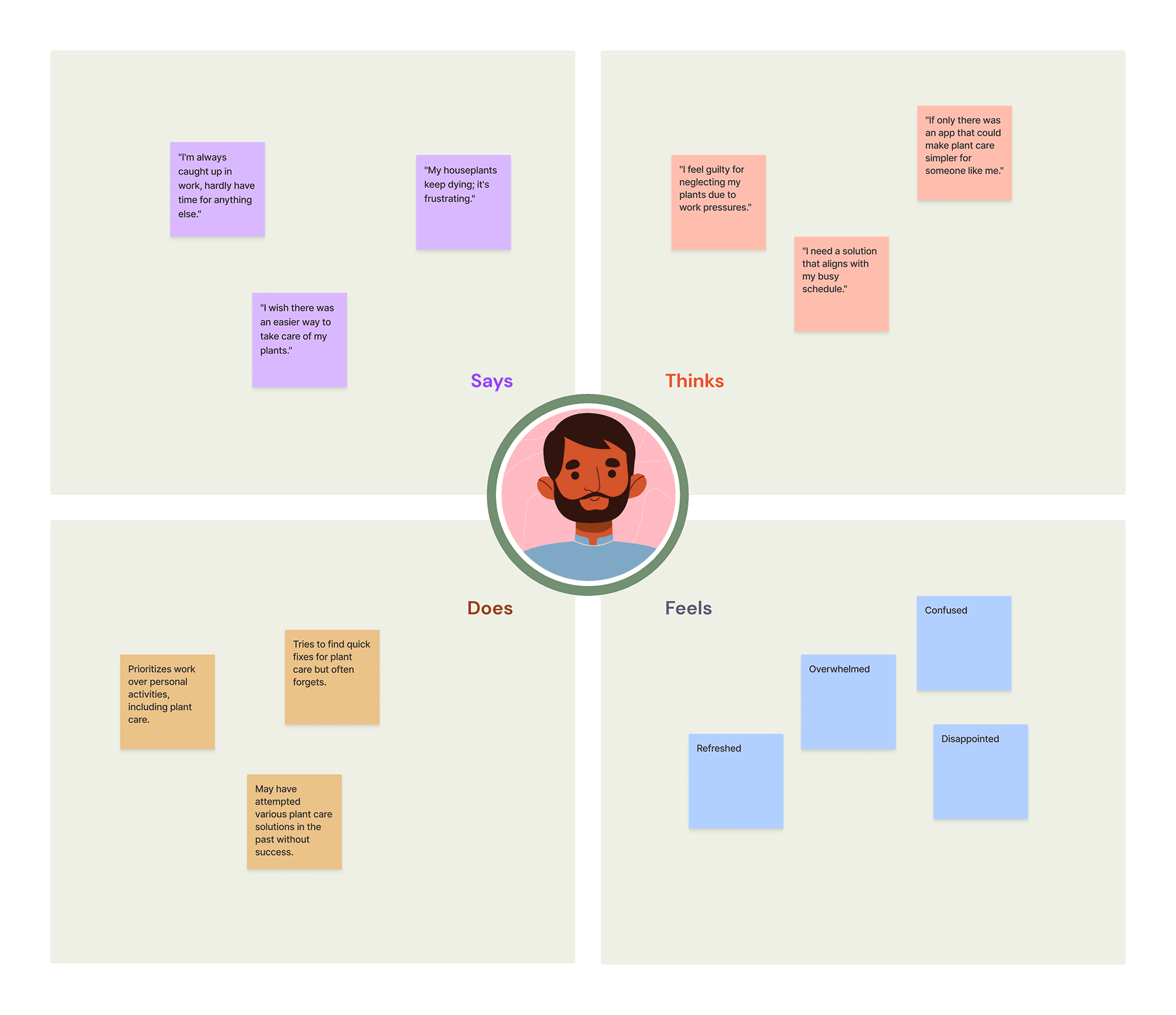
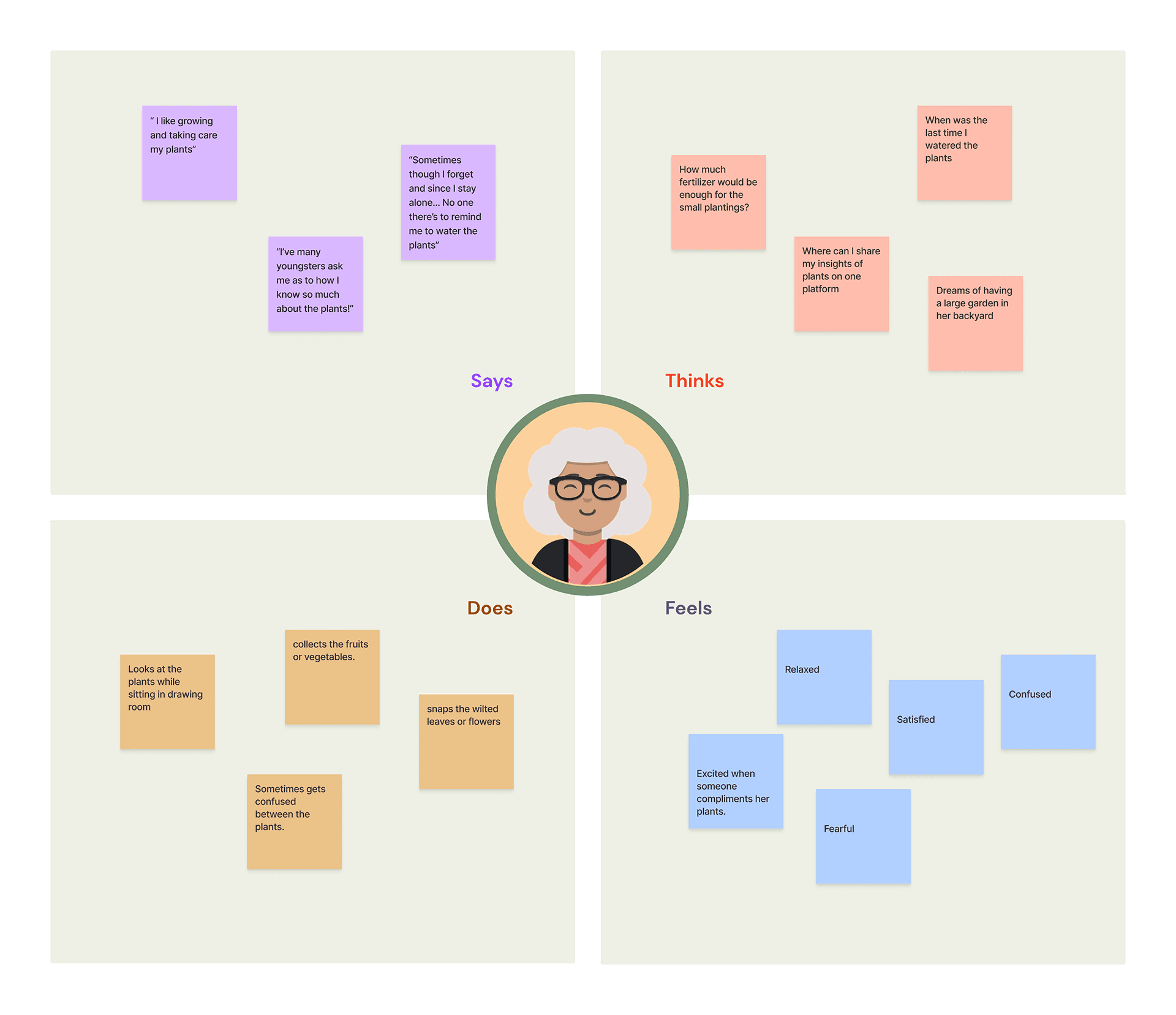
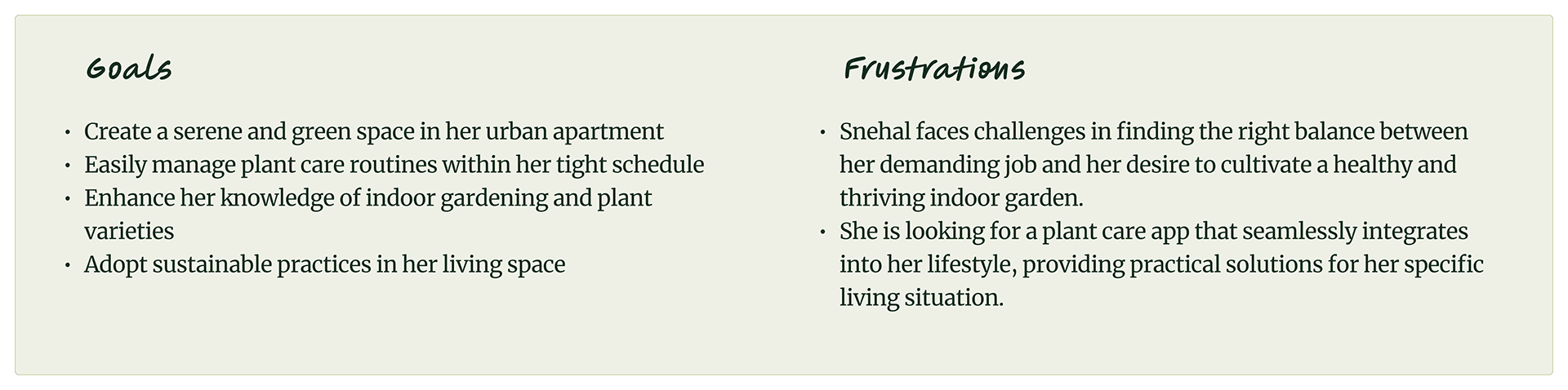
In the define phase, I defined user’s goals and frustrations through user personas, user journey maps, etc. that are most important for the PlantPal app to address.
USER PERSONAS
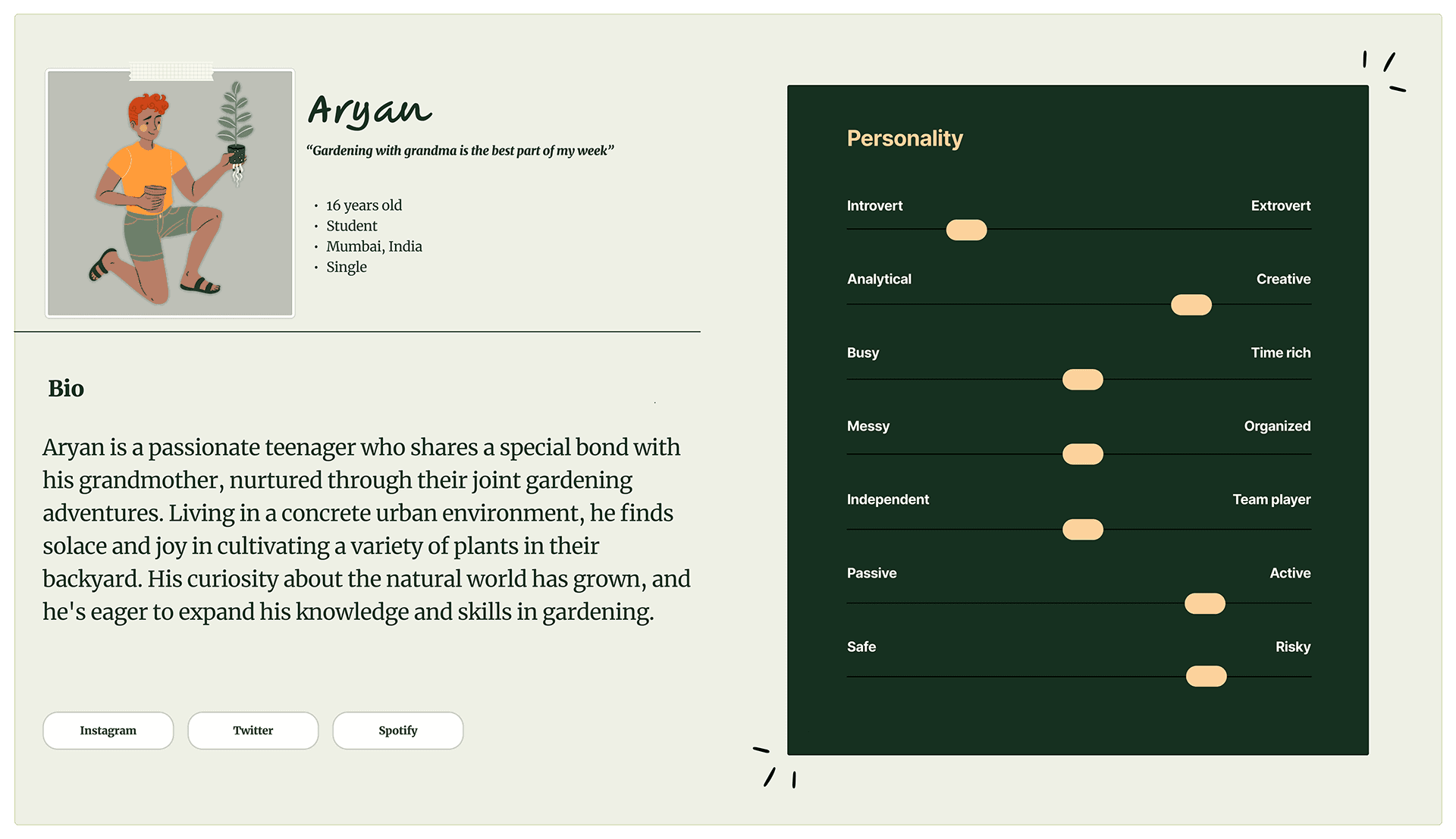
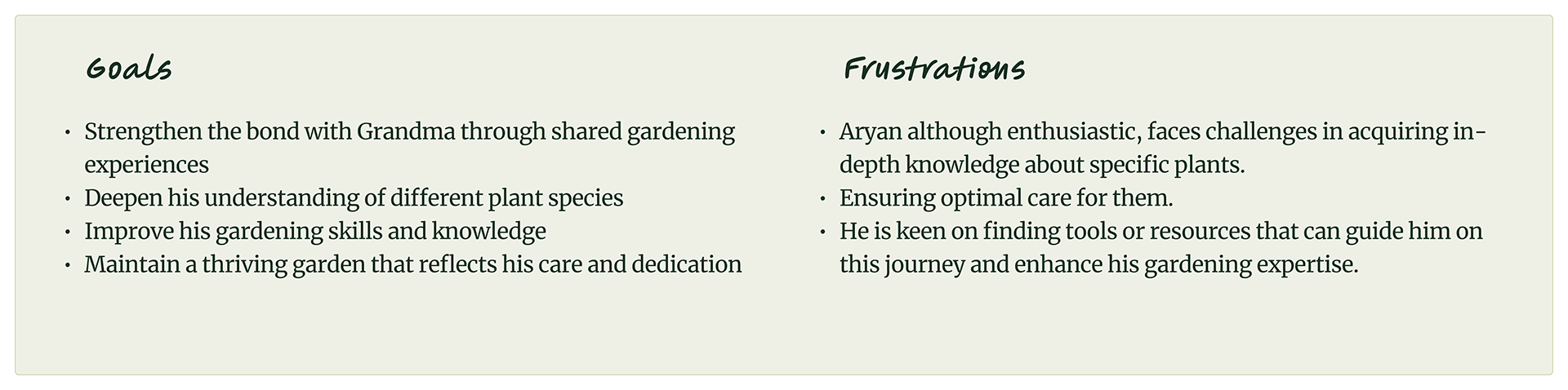
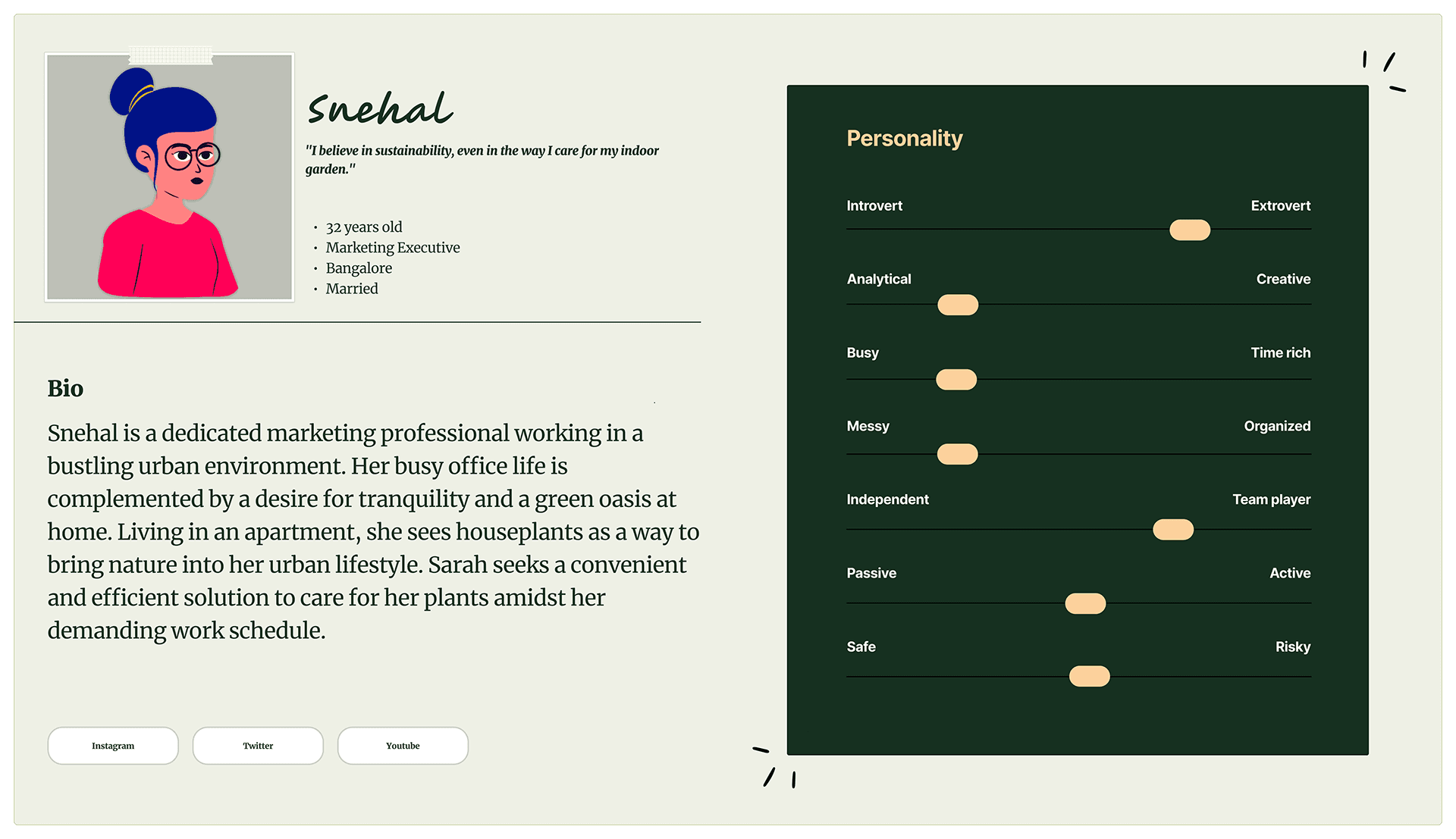
To best communicate my findings to stakeholders in an organized and empathetic way, I created user personas to represent the key findings to advocate for my target audience’s needs.
HOW MIGHT WE'S ?
1. How might we help users to care for plants ?
2. How might we provide a clear reminder & progress details about overall plant health?
3. How might we give users a interesting features to get more engaged ?
4. How might we help users to know how much to water with respect to dry or humid weather?
5. How might we allow user to add new plants to the application?
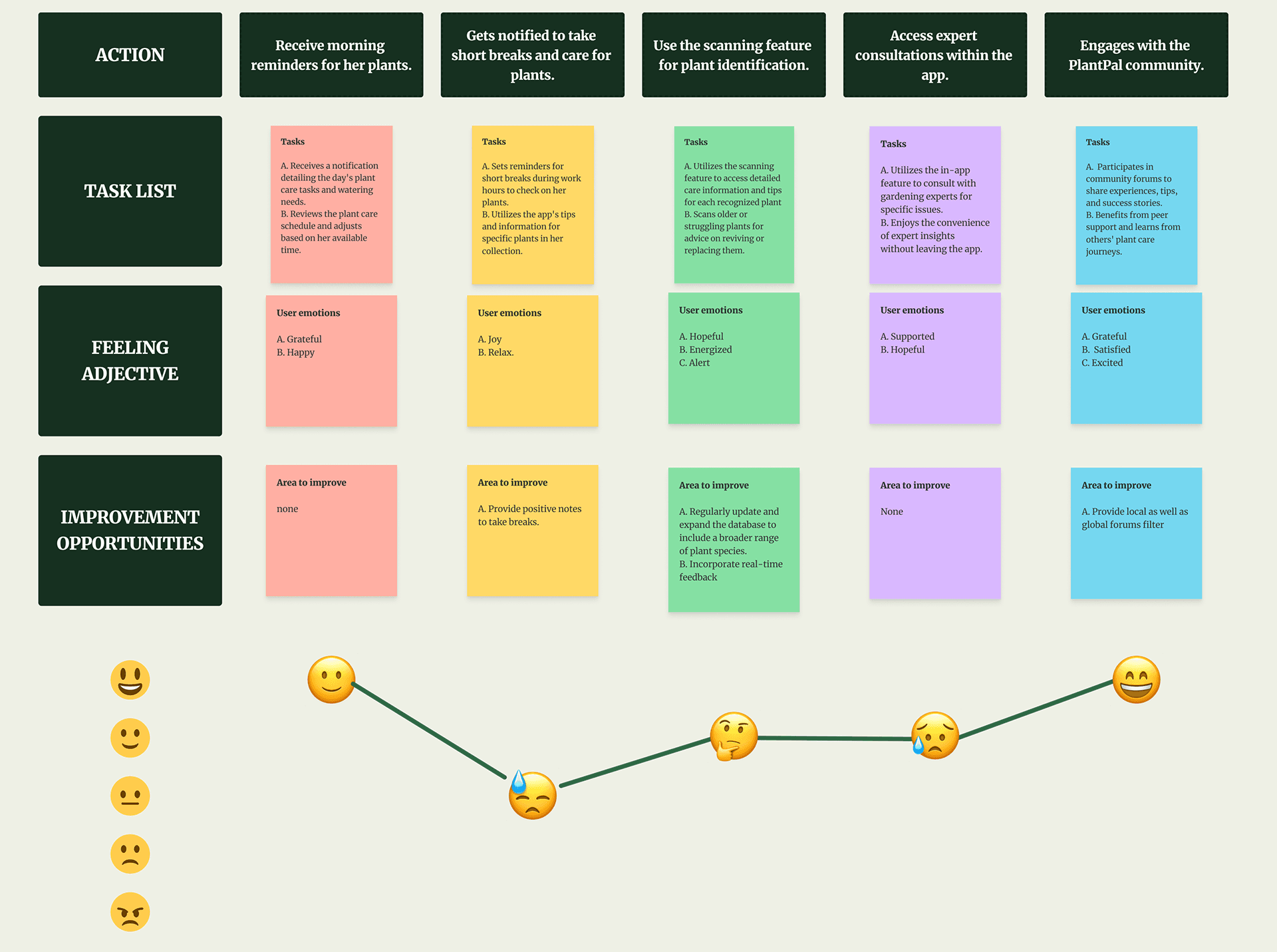
USER JOURNEY MAPS
Journey maps allow for us to focus on the actual experience a user may have while interacting with our product. They give us insight into how our customers interact with the product, what they find useful and what they don't like. This allows us to design in a manner that is simpler and easier to use.
Persona 1 : Aryan
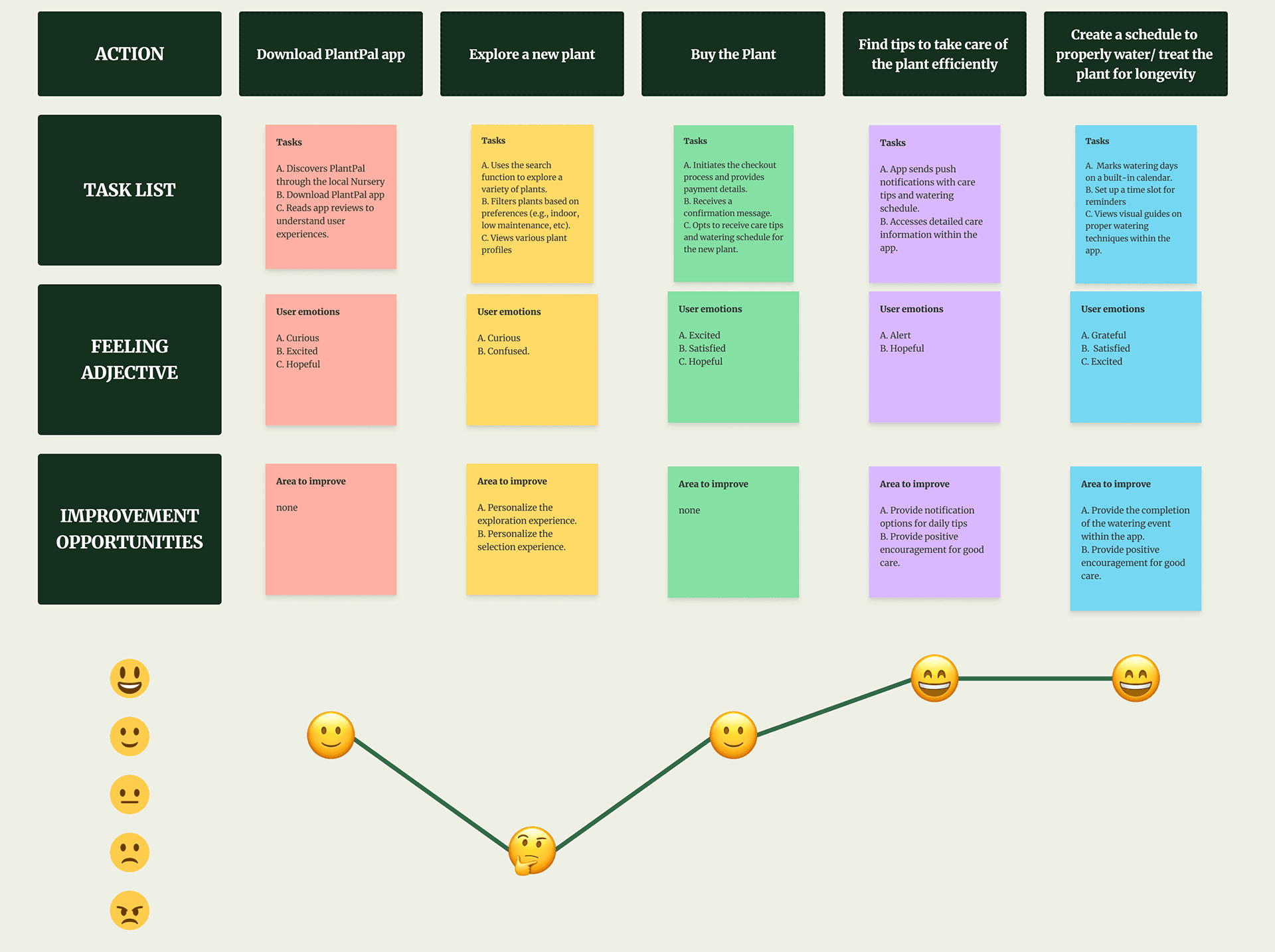
Persona 2: Snehal
USER FLOWS
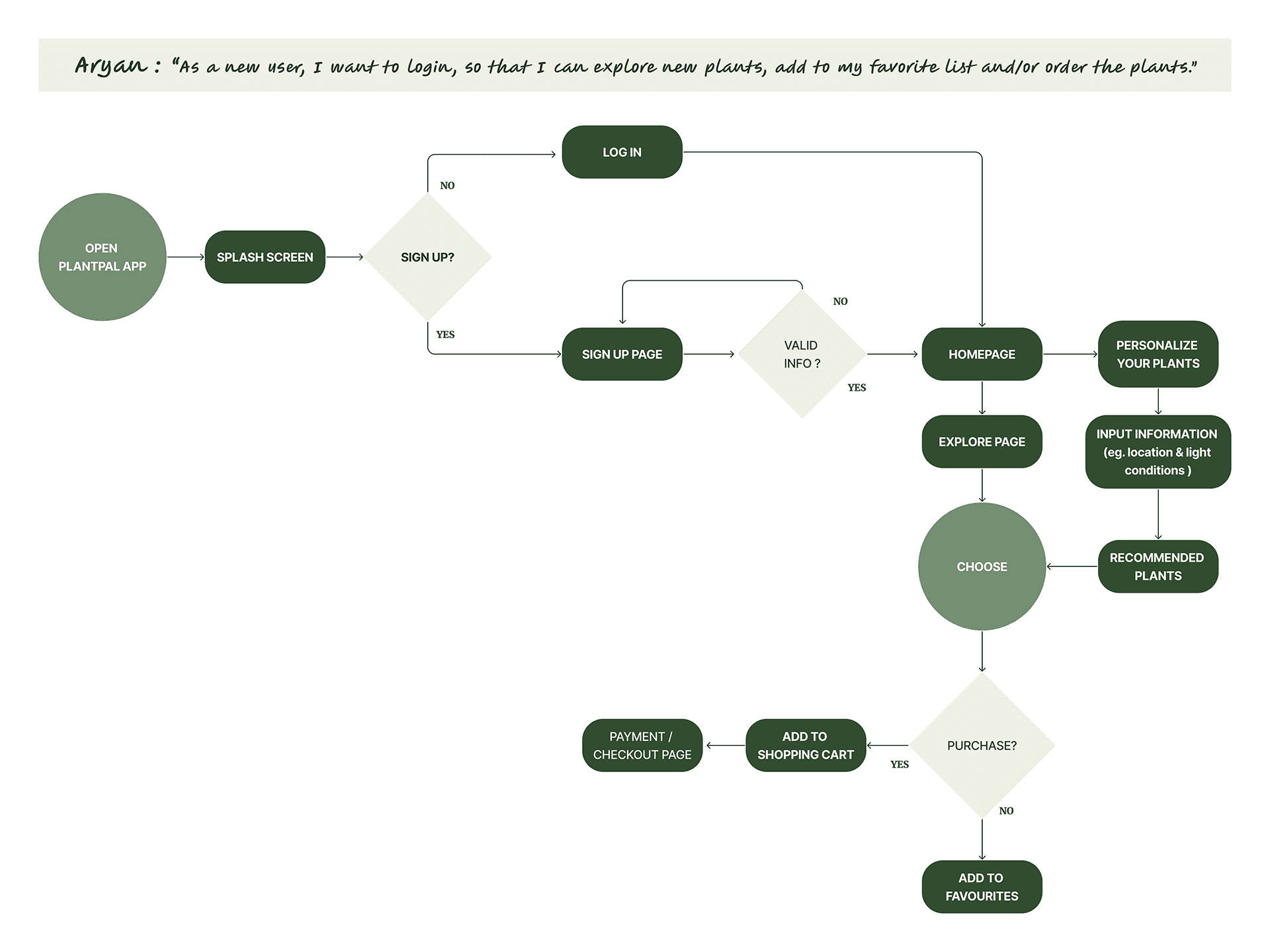
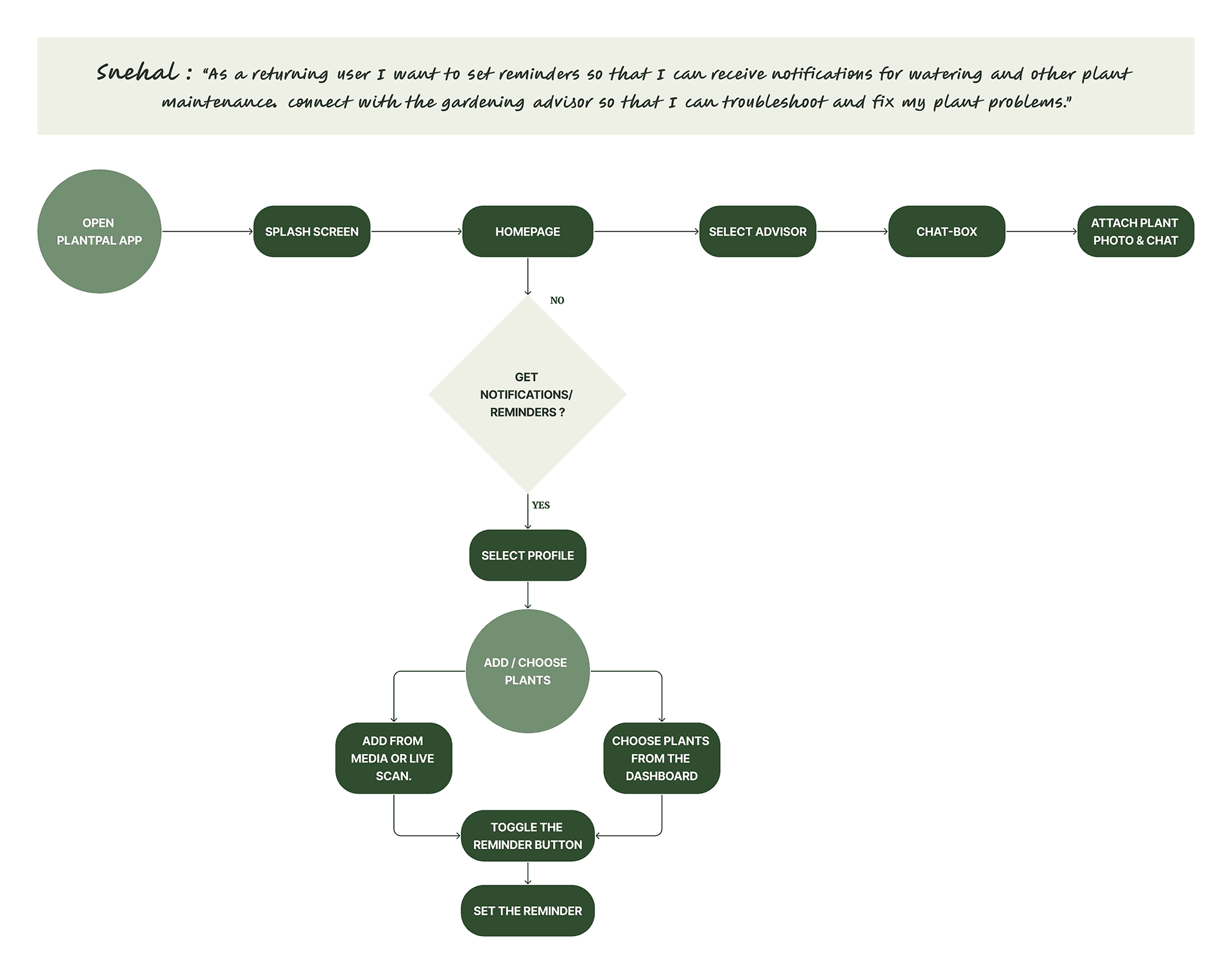
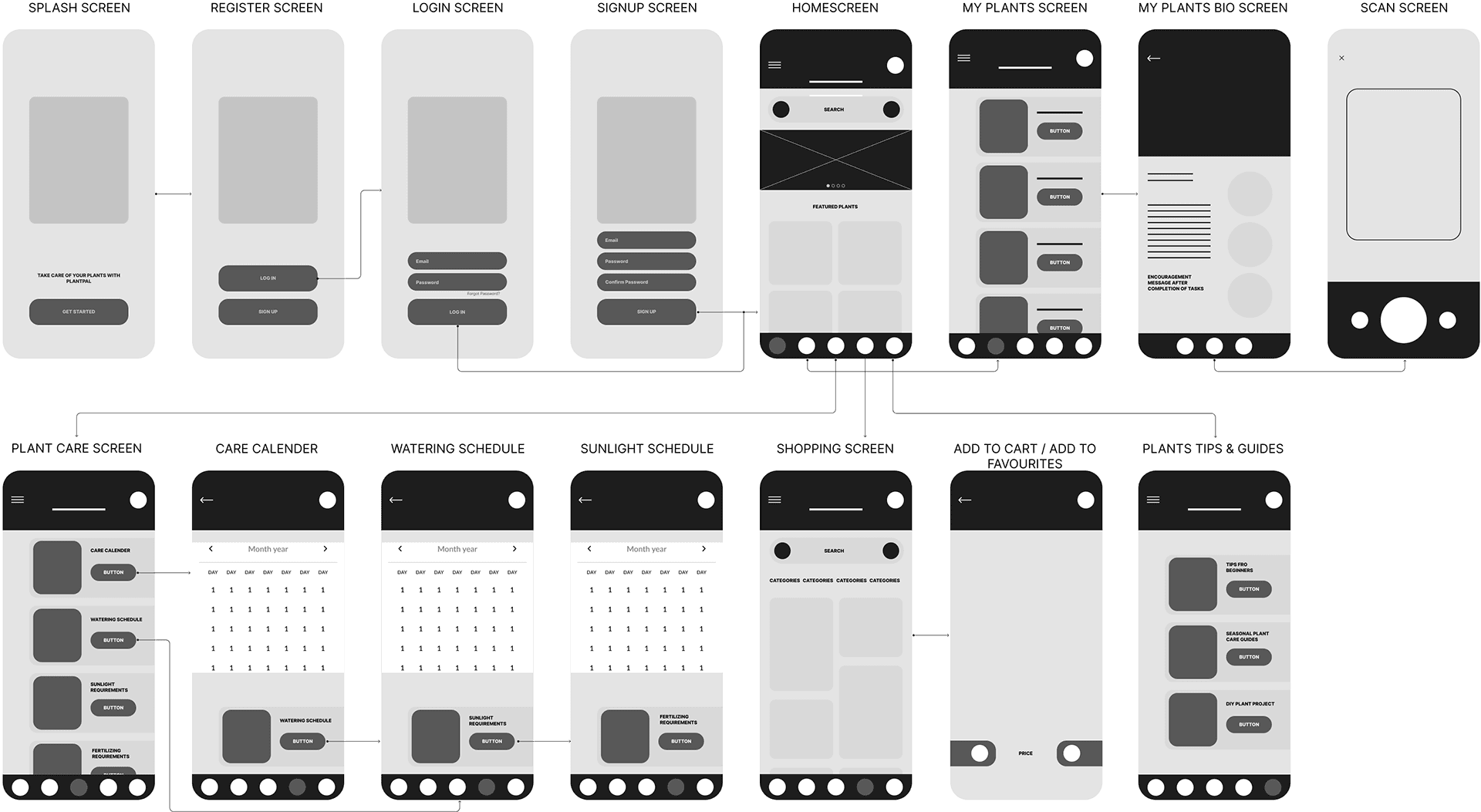
Following user and market research, it is opportune to craft user stories that emphasize the key features of the product. Subsequently, these user stories were transformed into user flows using Figma, providing a visual representation of how users would engage with the product to achieve their objectives.
SITE MAP
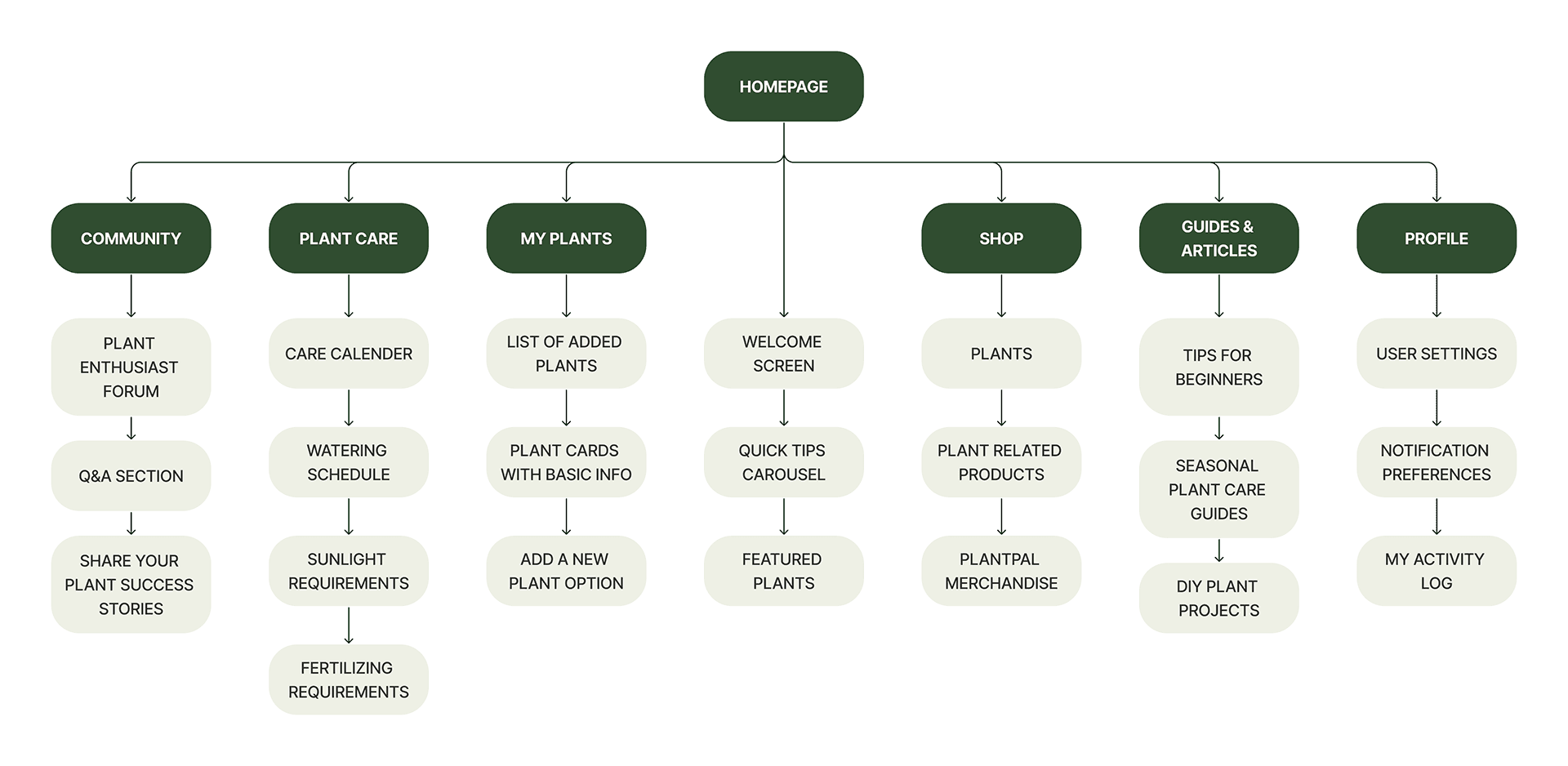
The PlantPal app's sitemap is designed to offer users a seamless experience in managing their plants, learning about new ones, connecting with a plant-loving community, and accessing resources to enhance their plant care skills.
PAPER WIREFRAMES
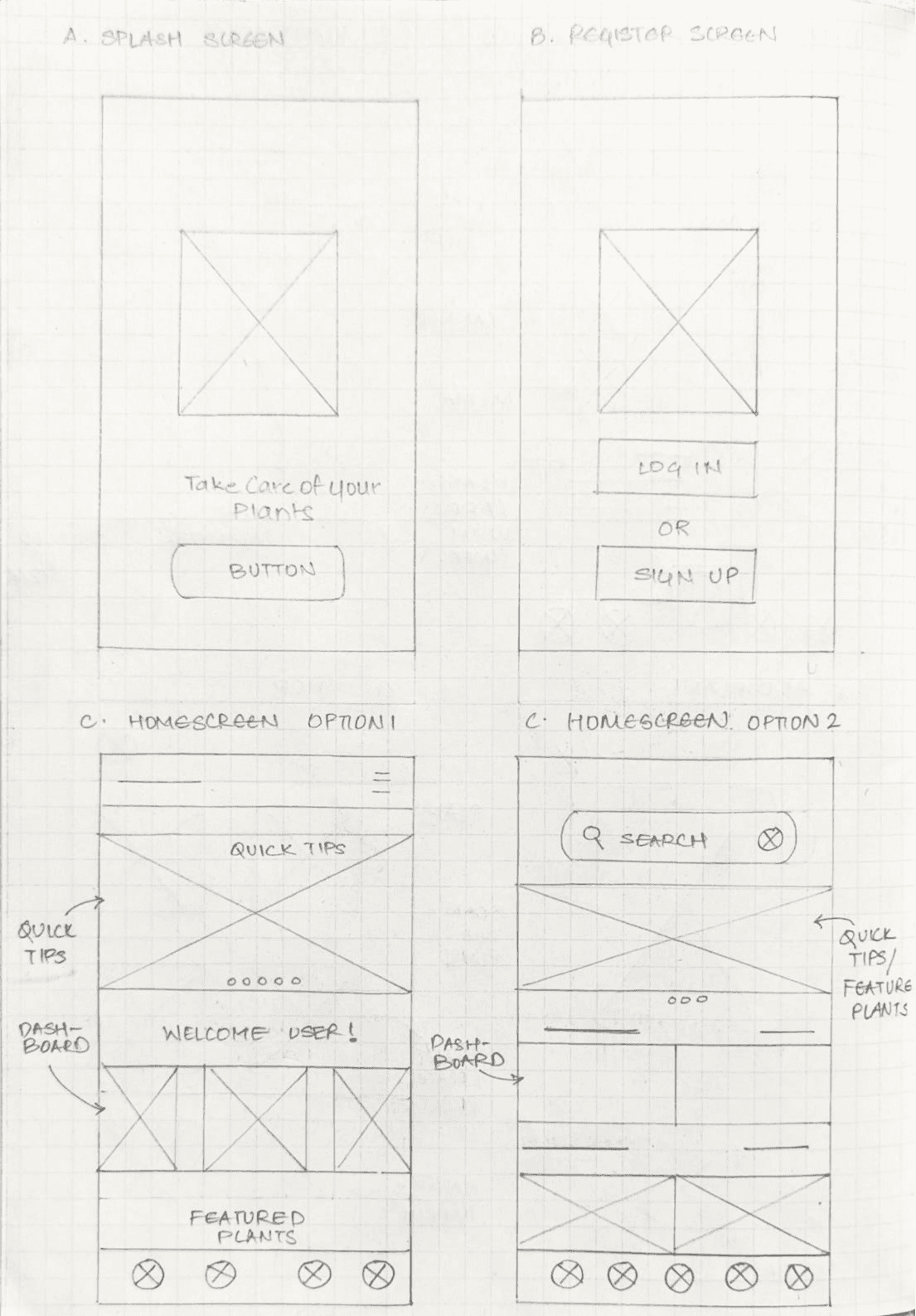
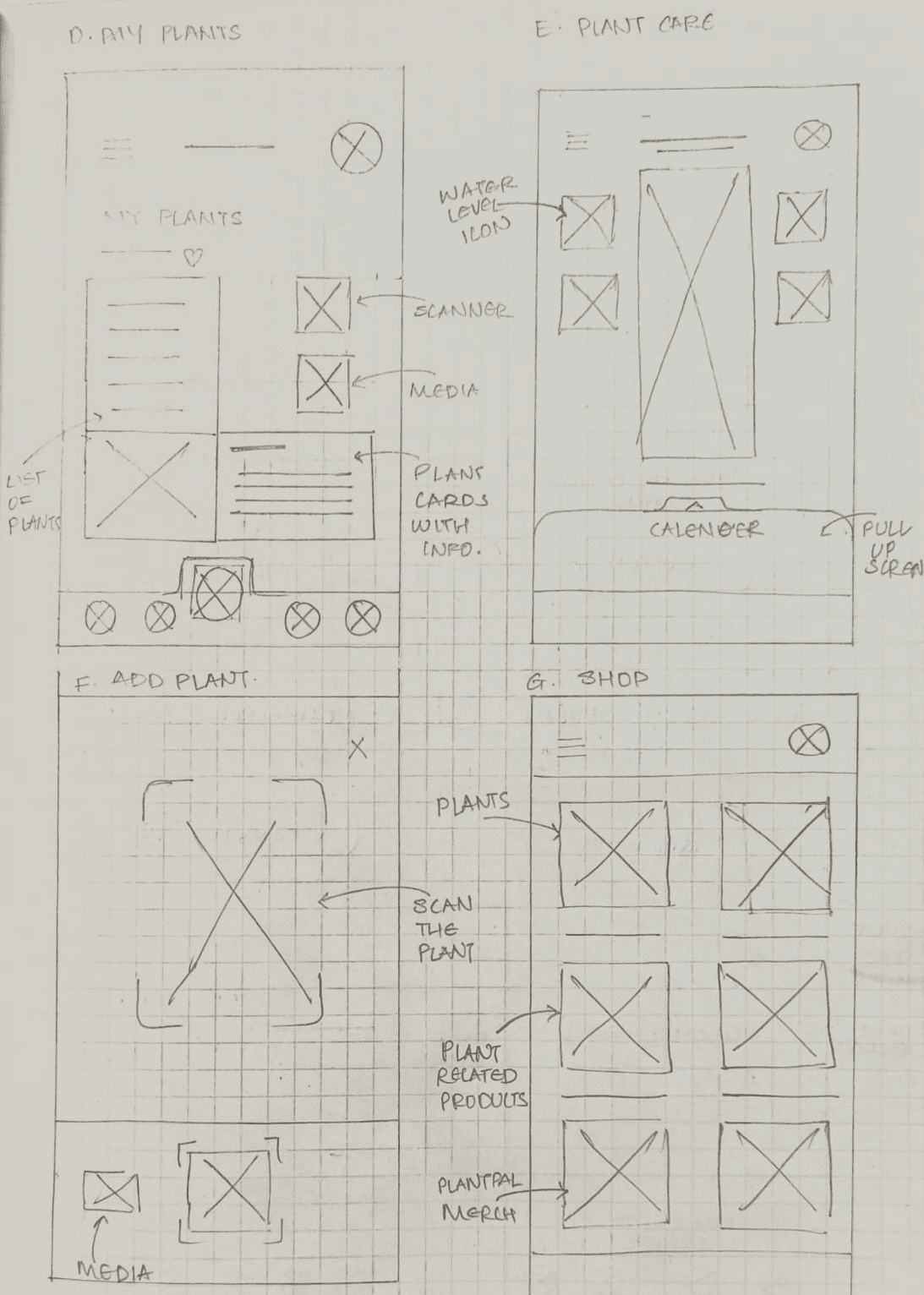
Crazy Eights: This commonly used design sprint method was applied to quickly come up with ideas or features in a short time frame. This allowed any ideas to be purged and put out on the table and then weighed against the research and problem statements.
DIGITAL WIREFRAMES
Crazy Eights: This commonly used design sprint method was applied to quickly come up with ideas or features in a short time frame. This allowed any ideas to be purged and put out on the table and then weighed against the research and problem statements.
STYLE GUIDE
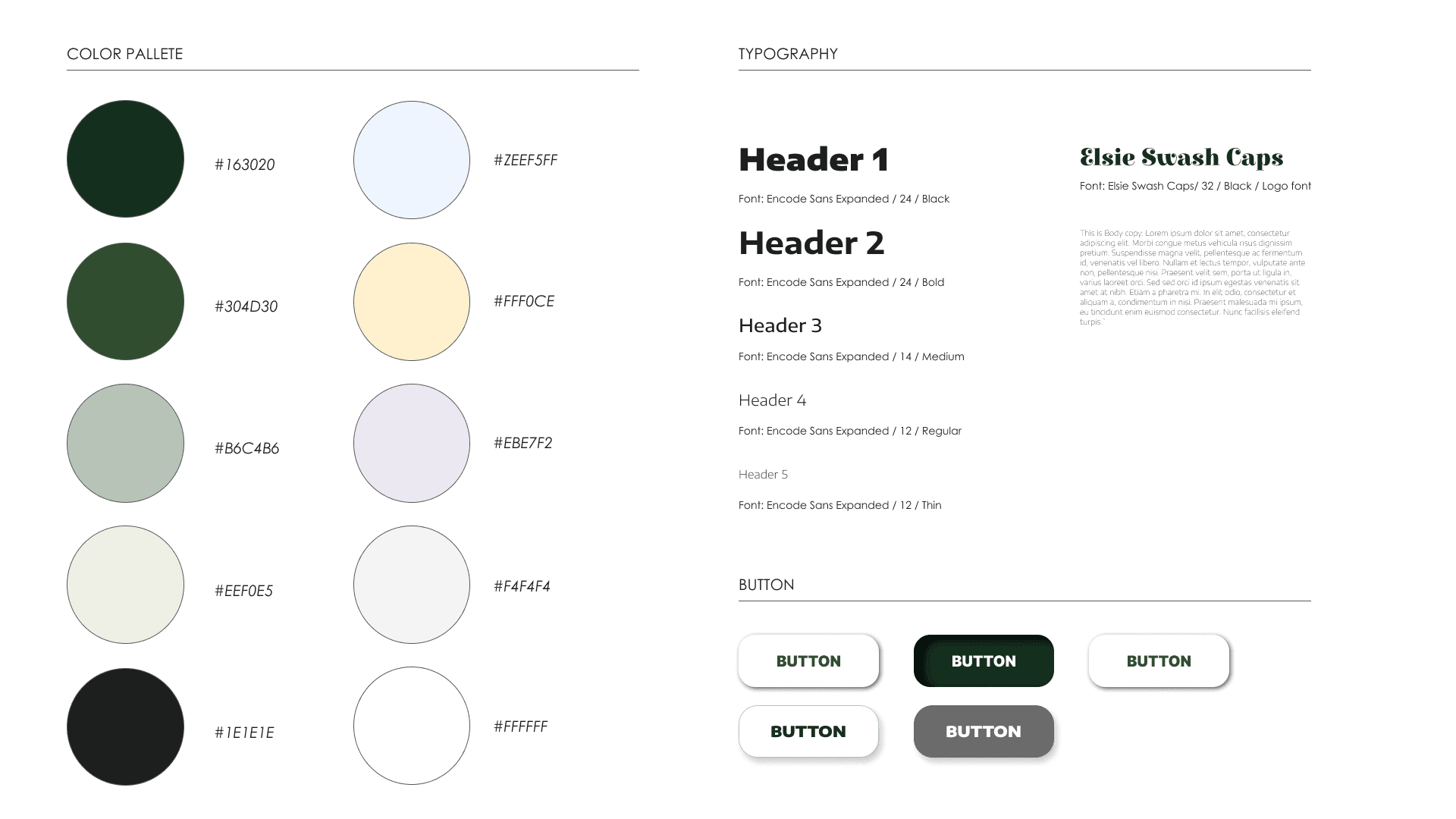
Bright but calming colors have been used, along with high contrast dark shades. Stylized serif fonts have been used for headings and a high clarity sans serif font for descriptions and body content
HIGH FIDELITY PROTOTYPES
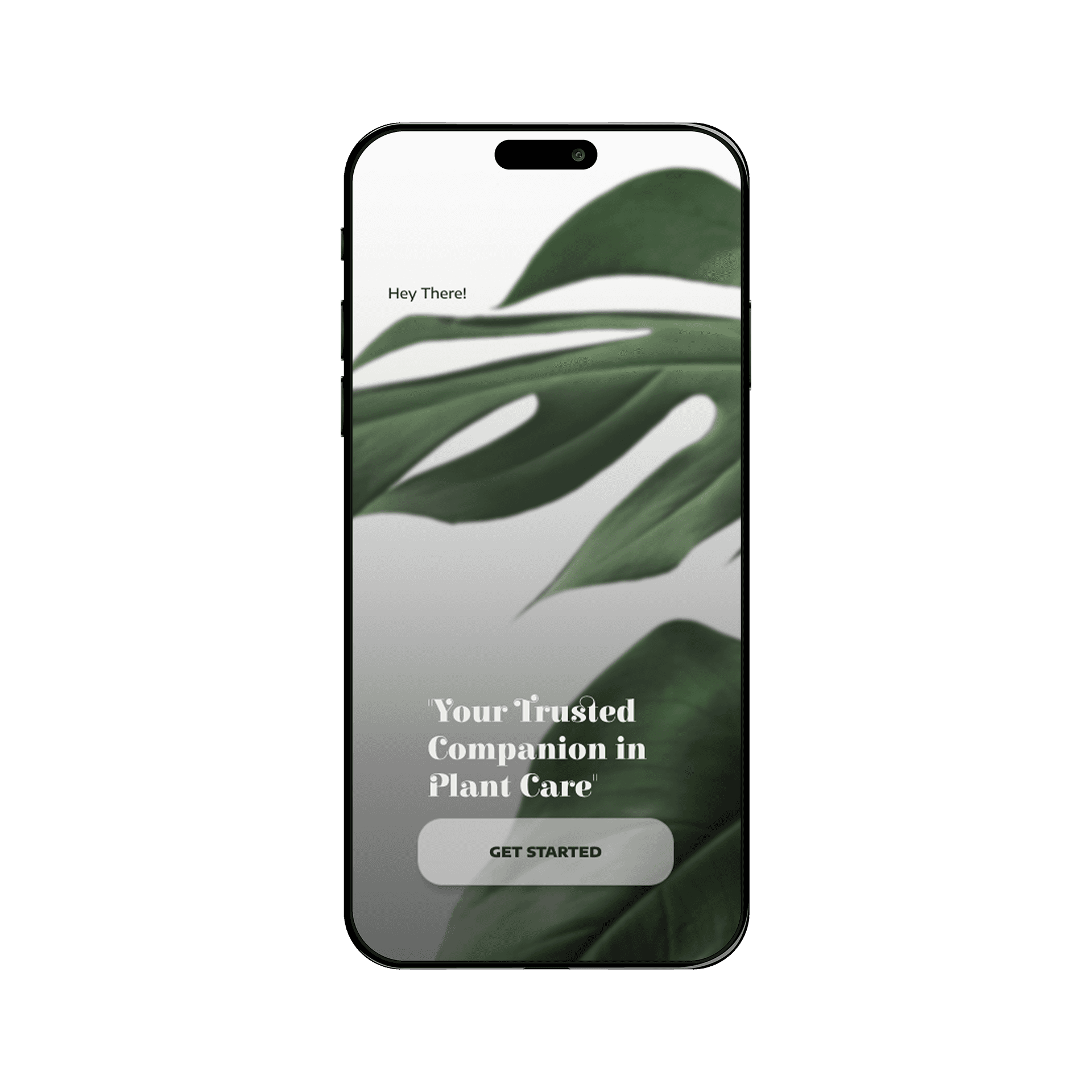
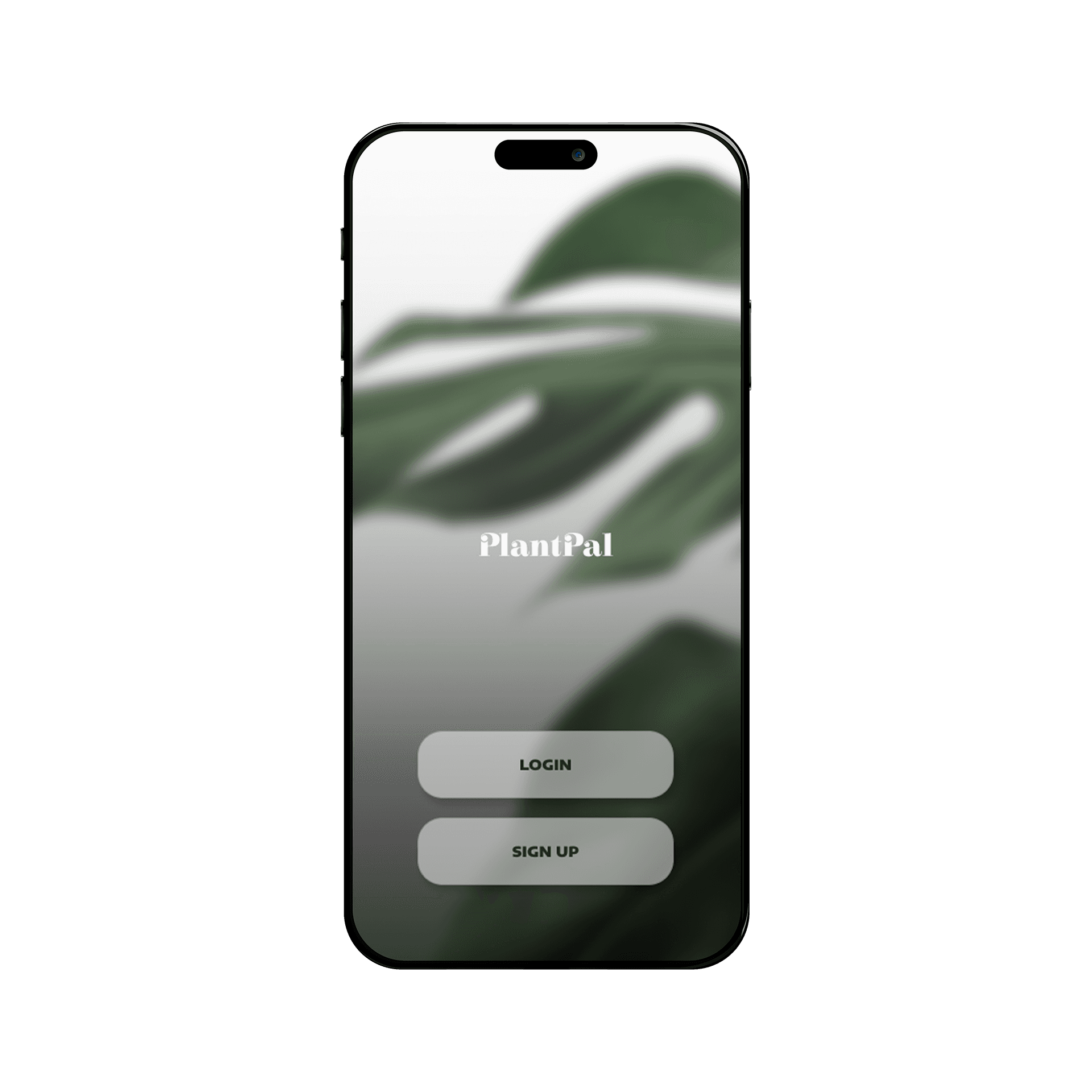
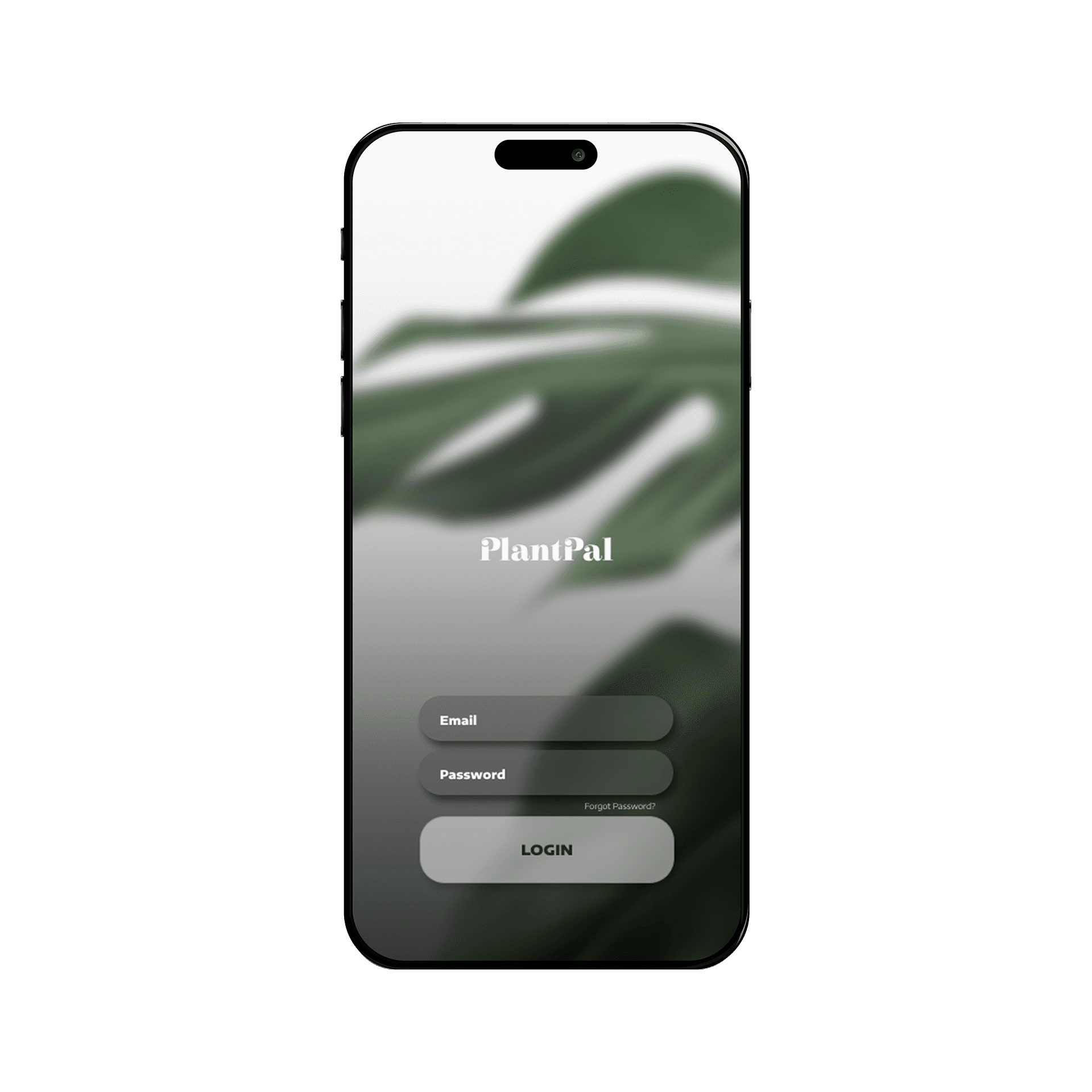
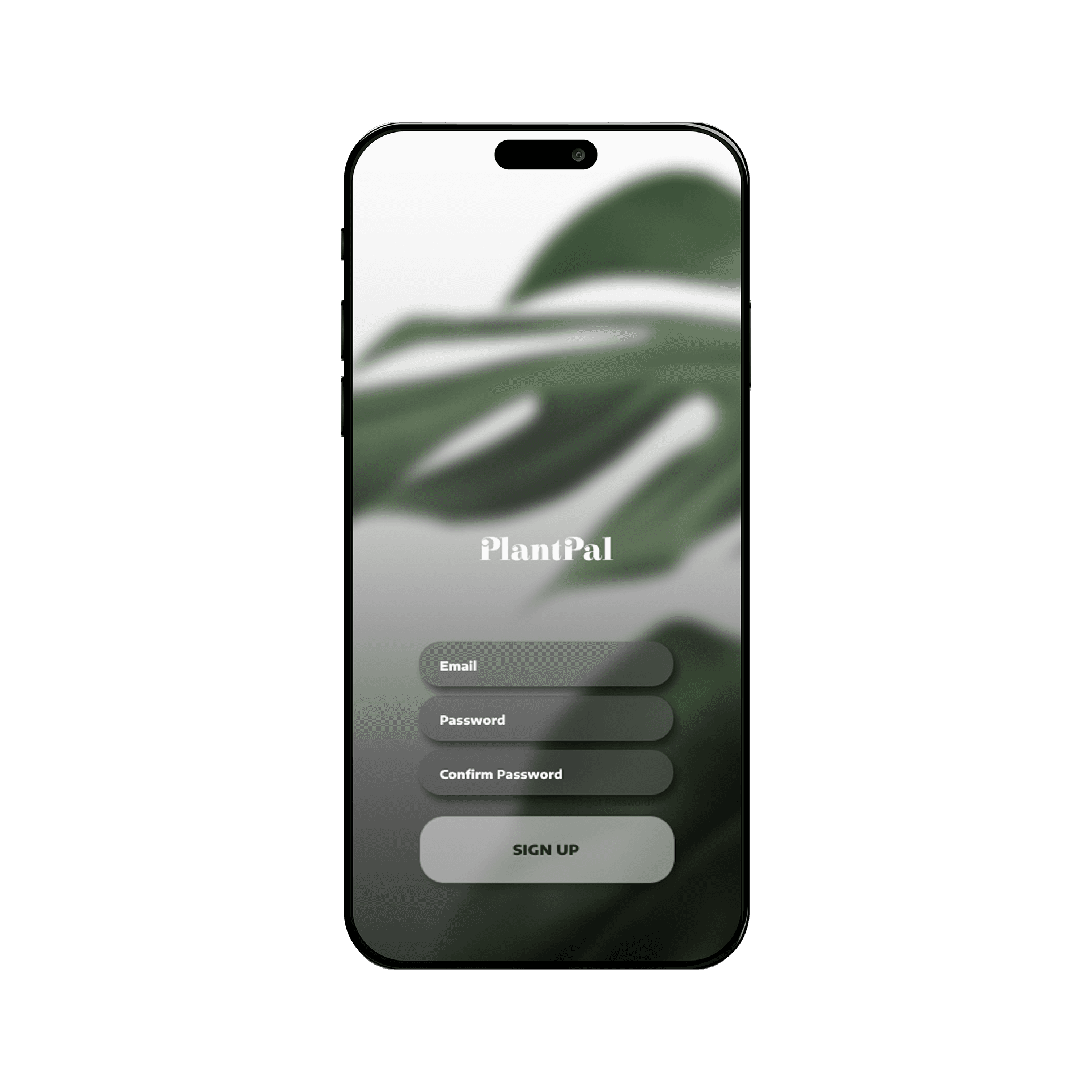
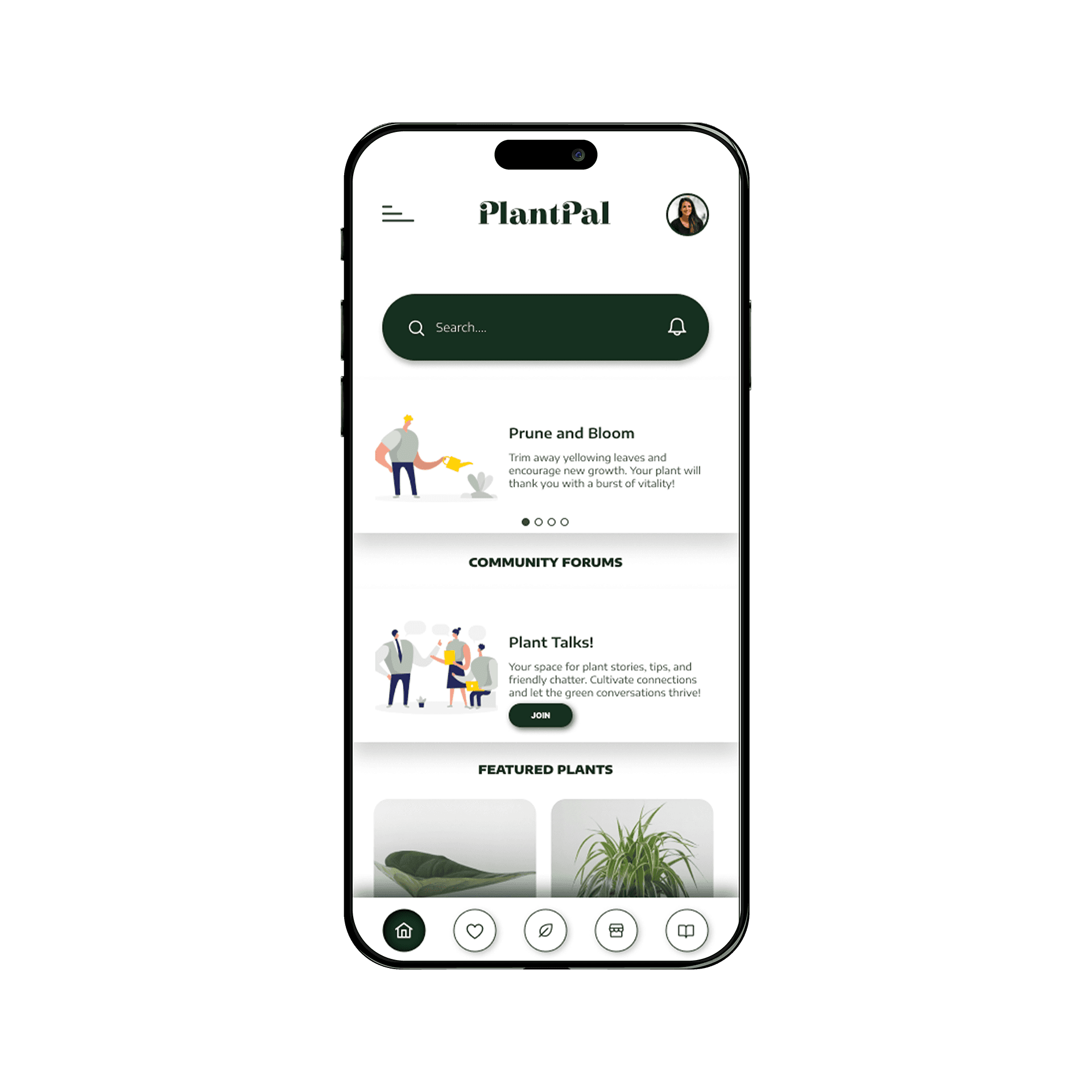
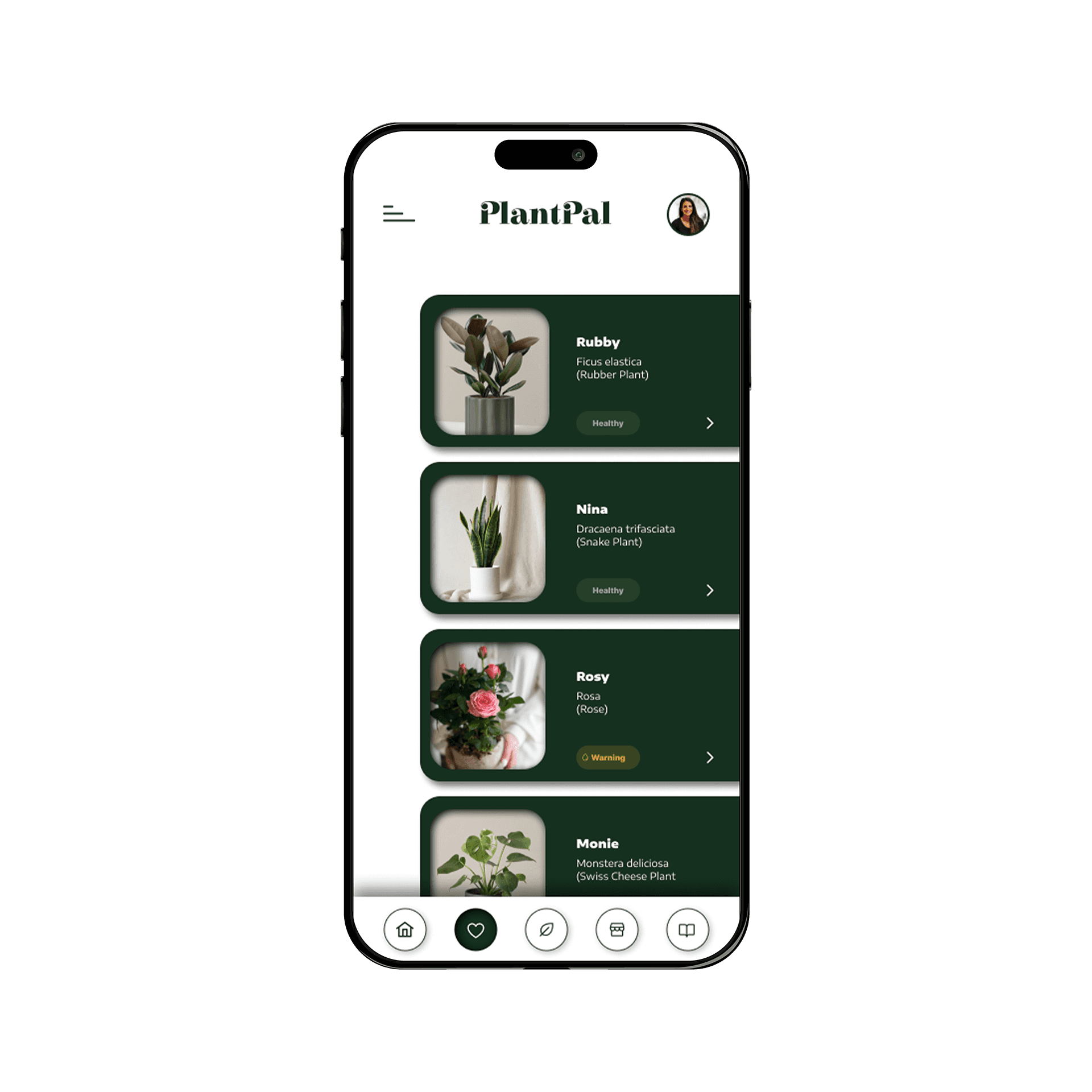
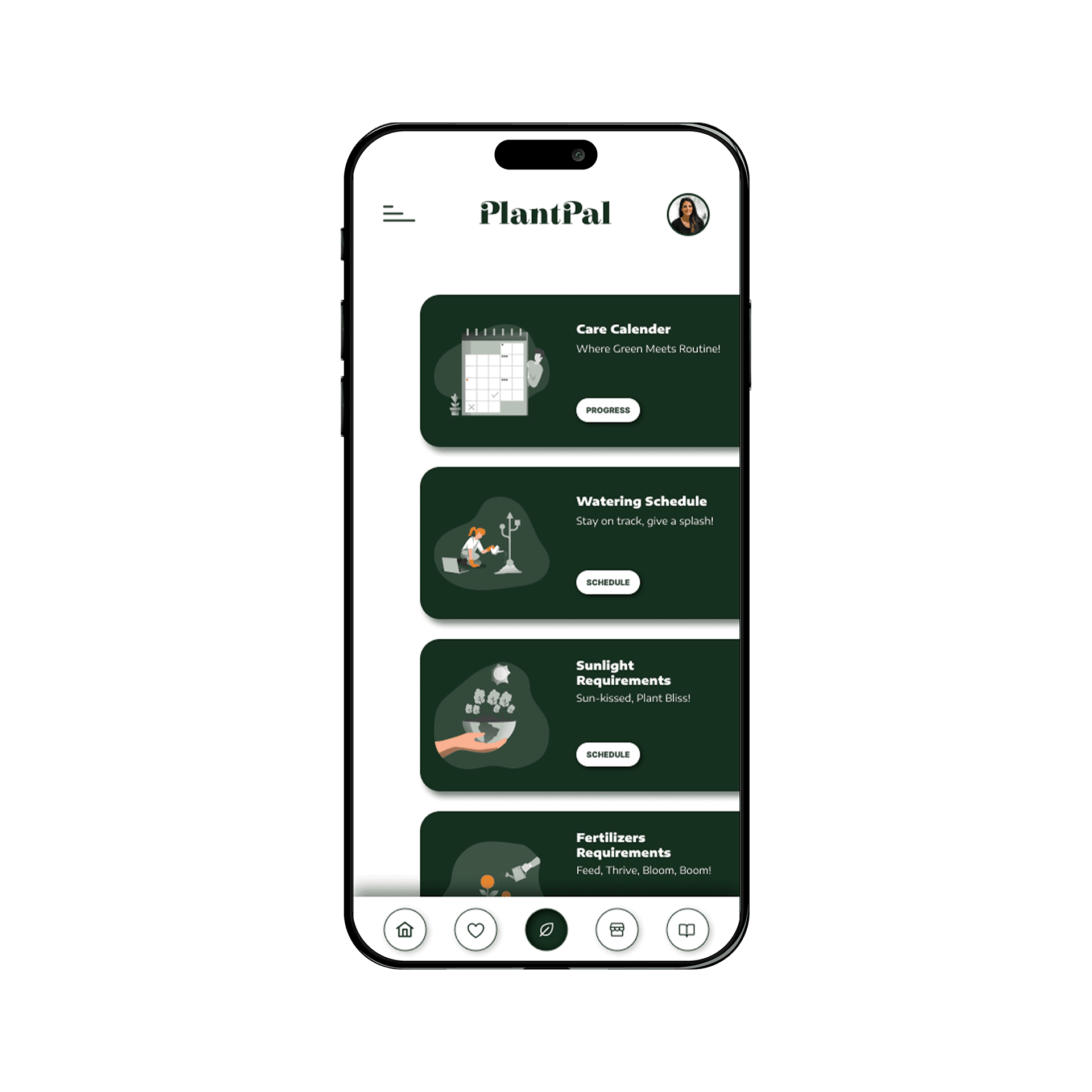
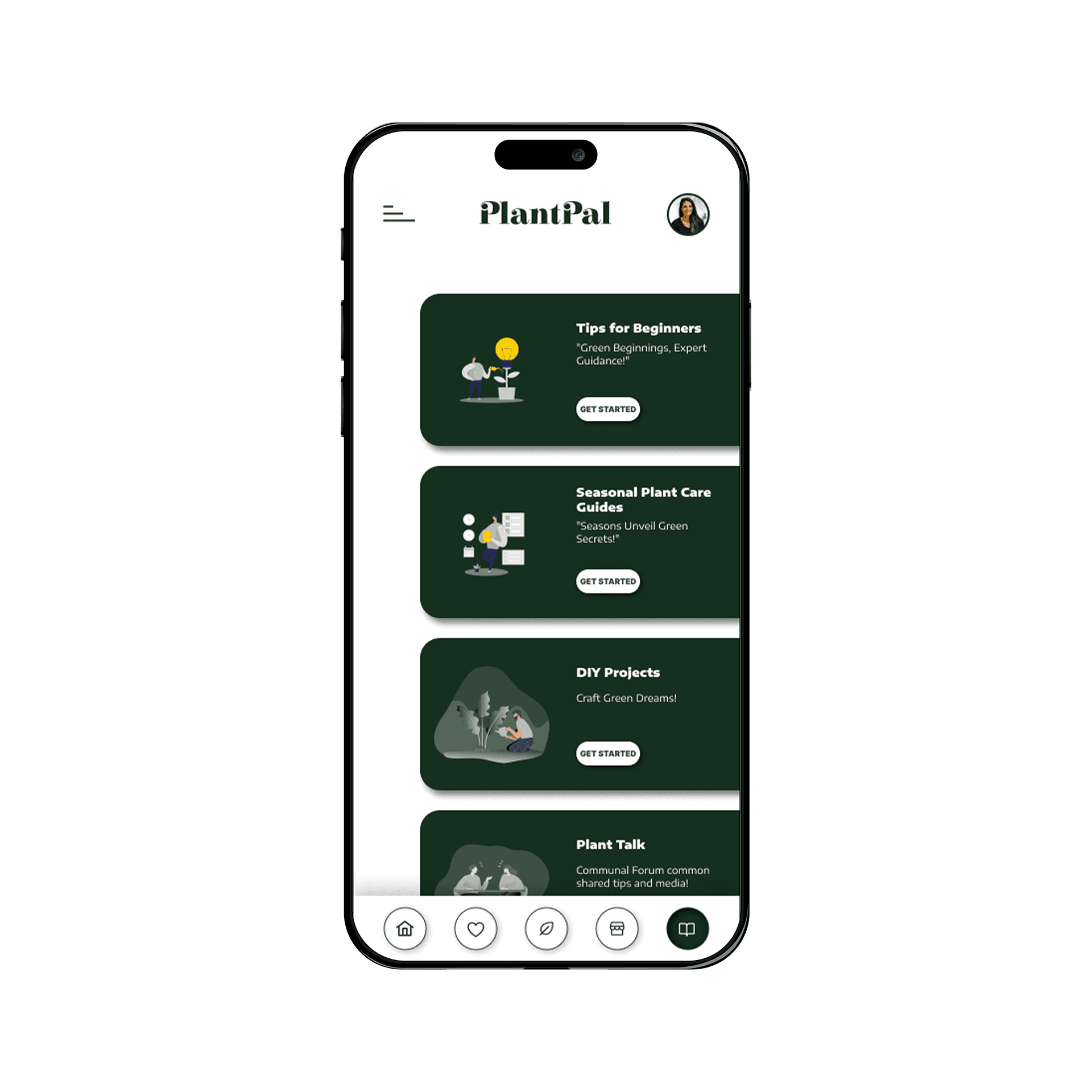
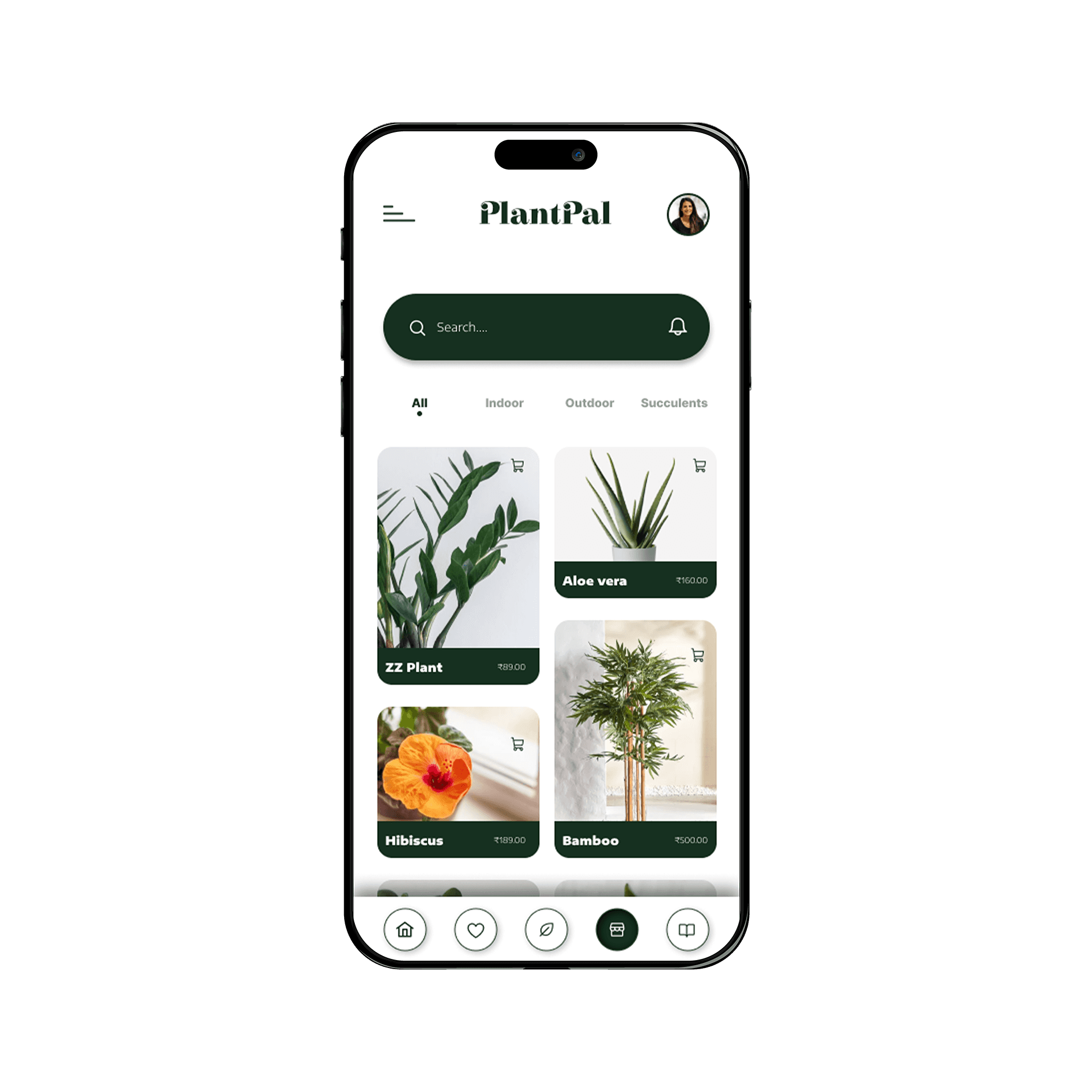
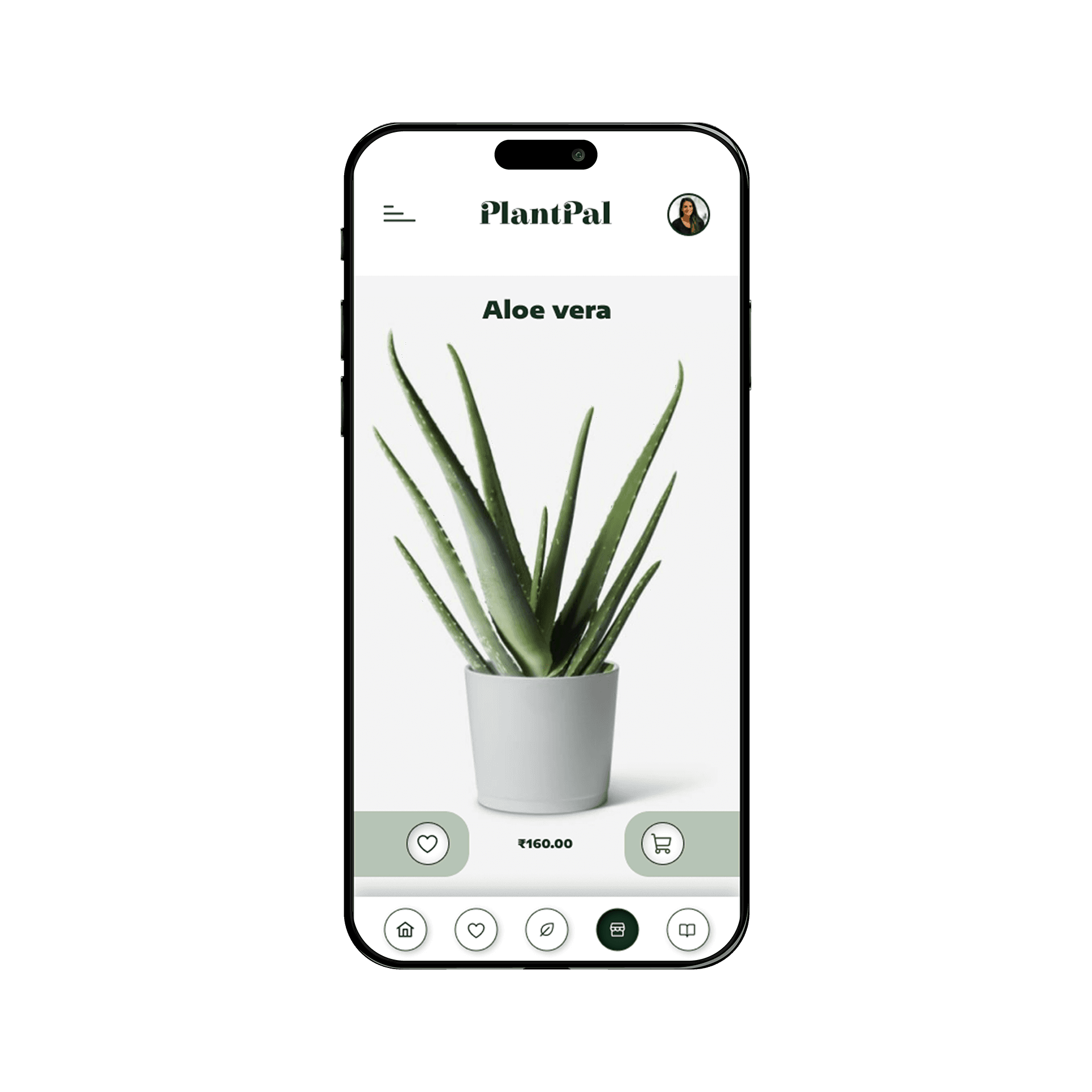
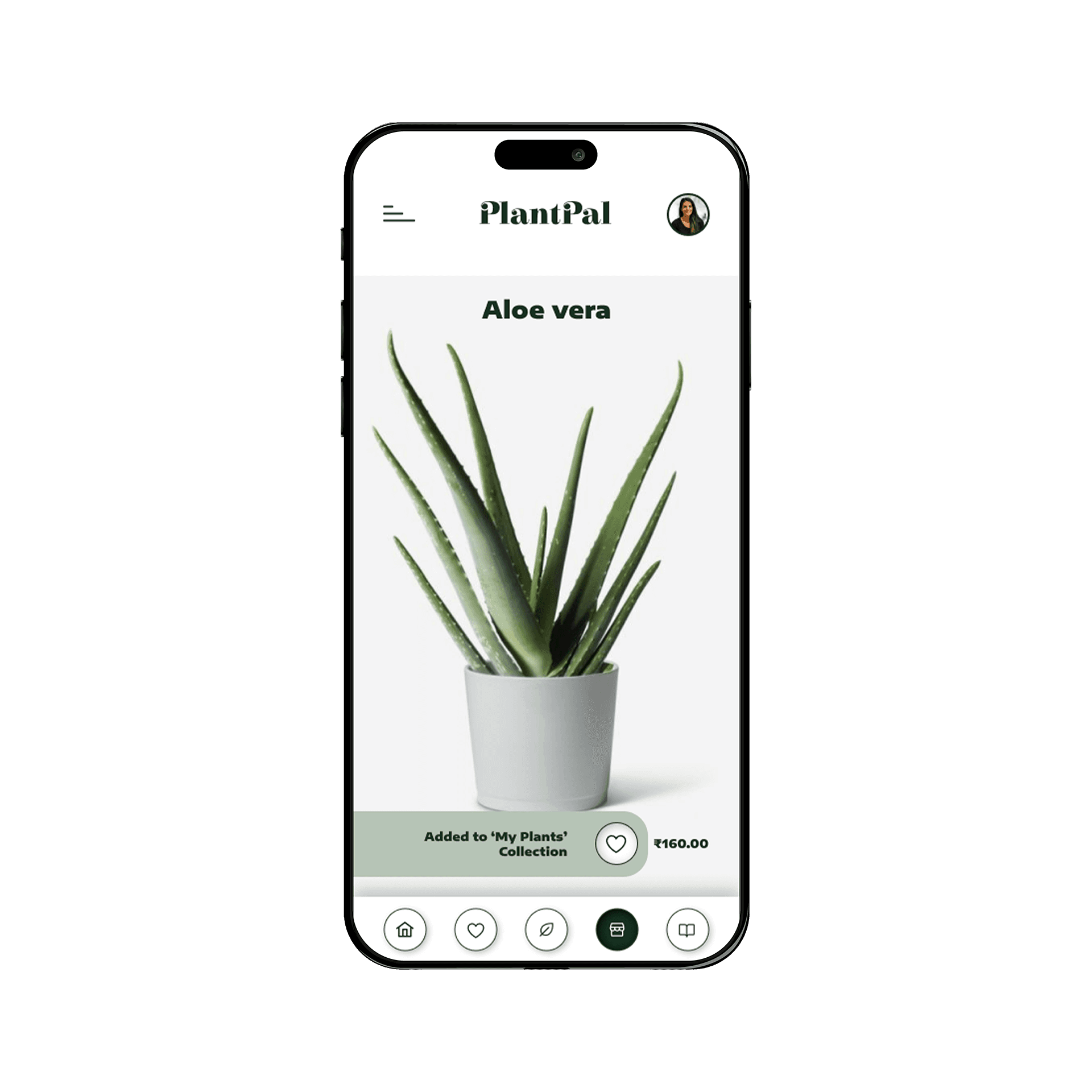
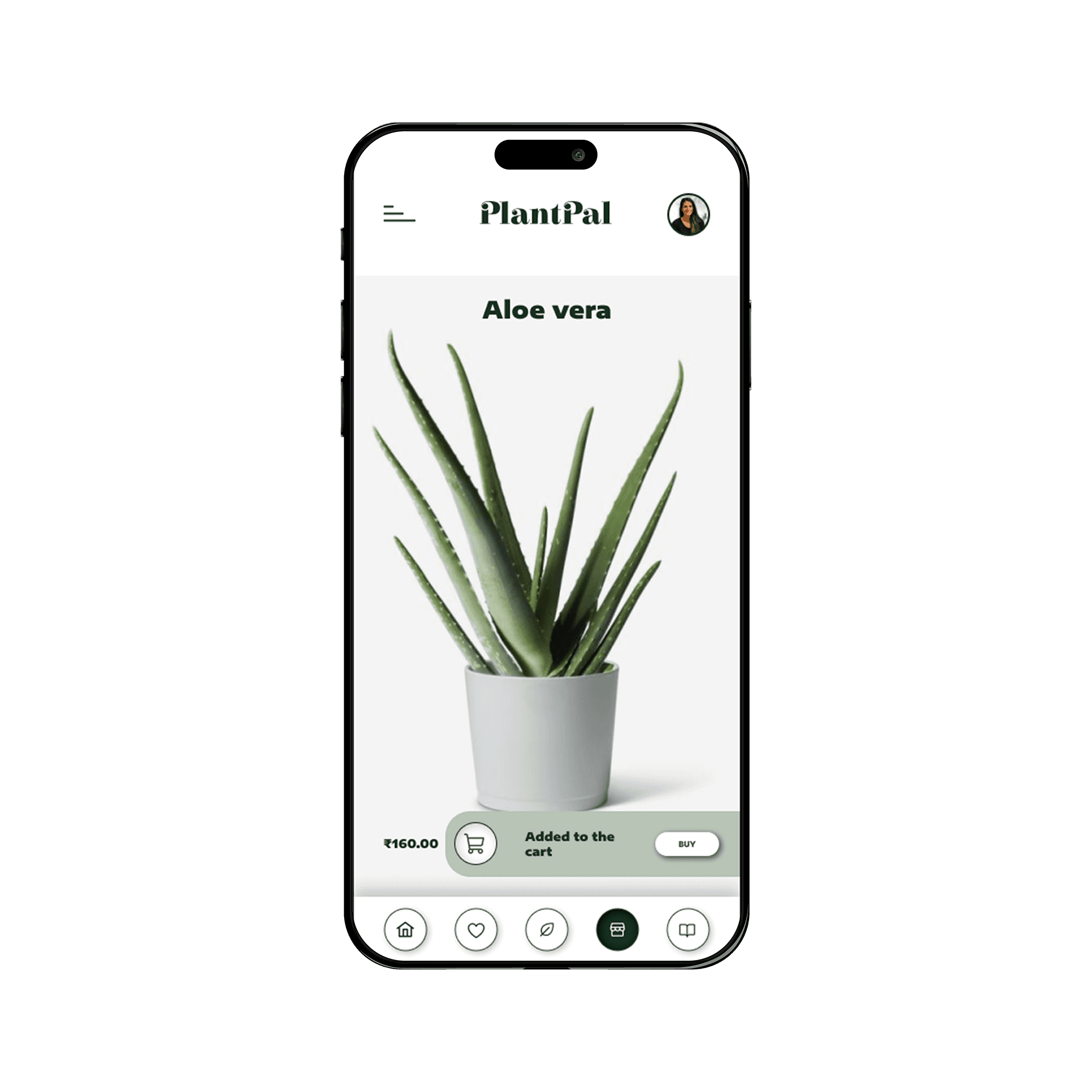
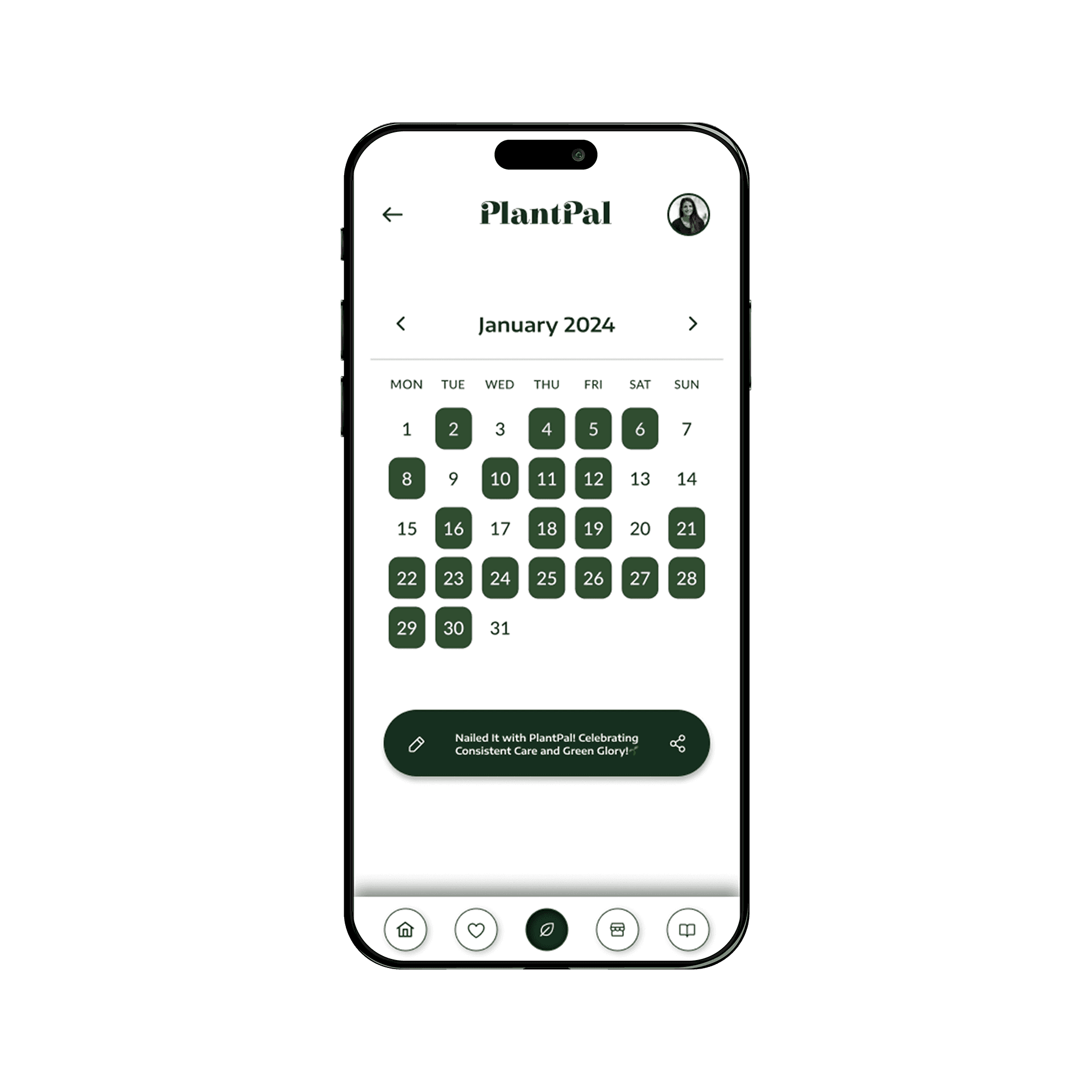
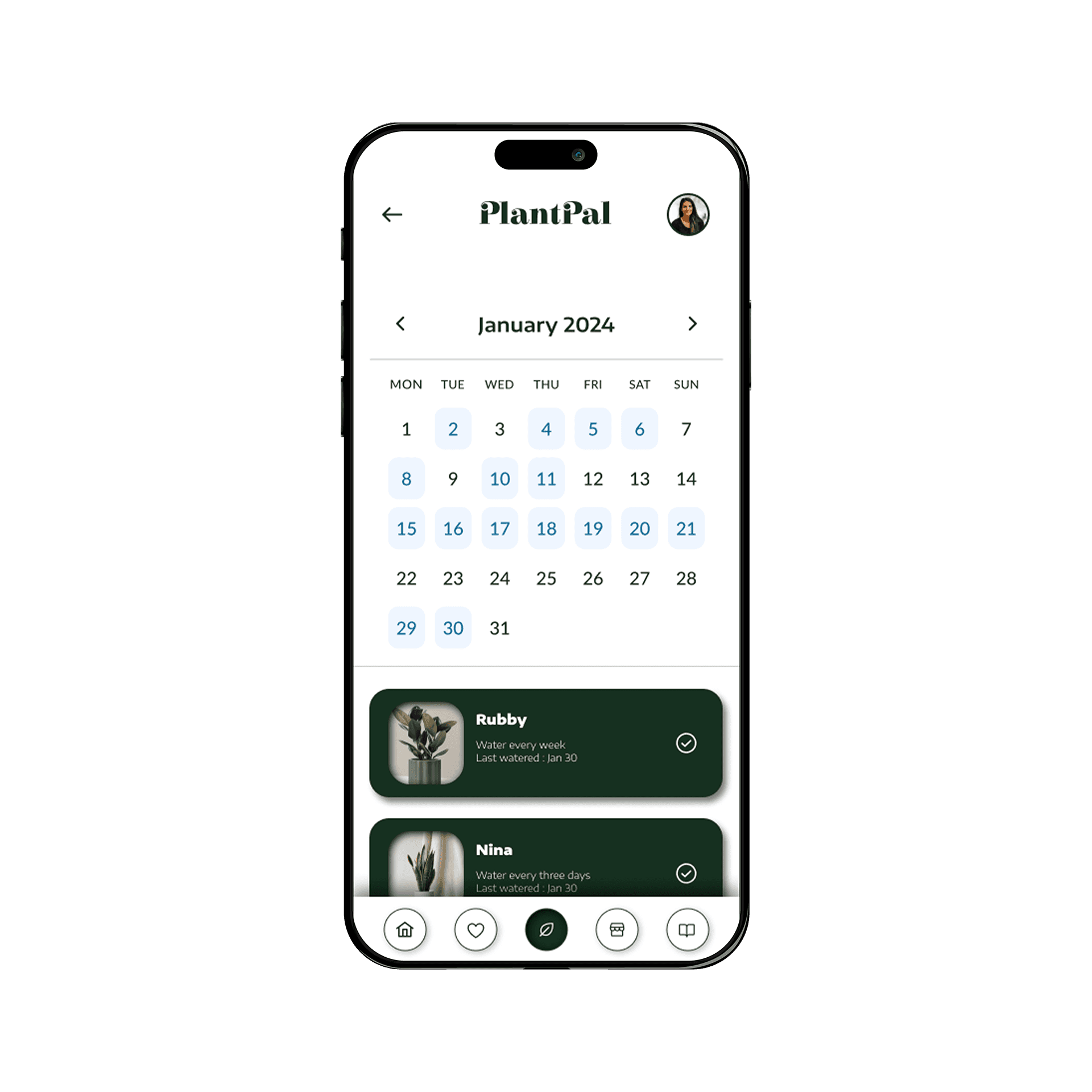
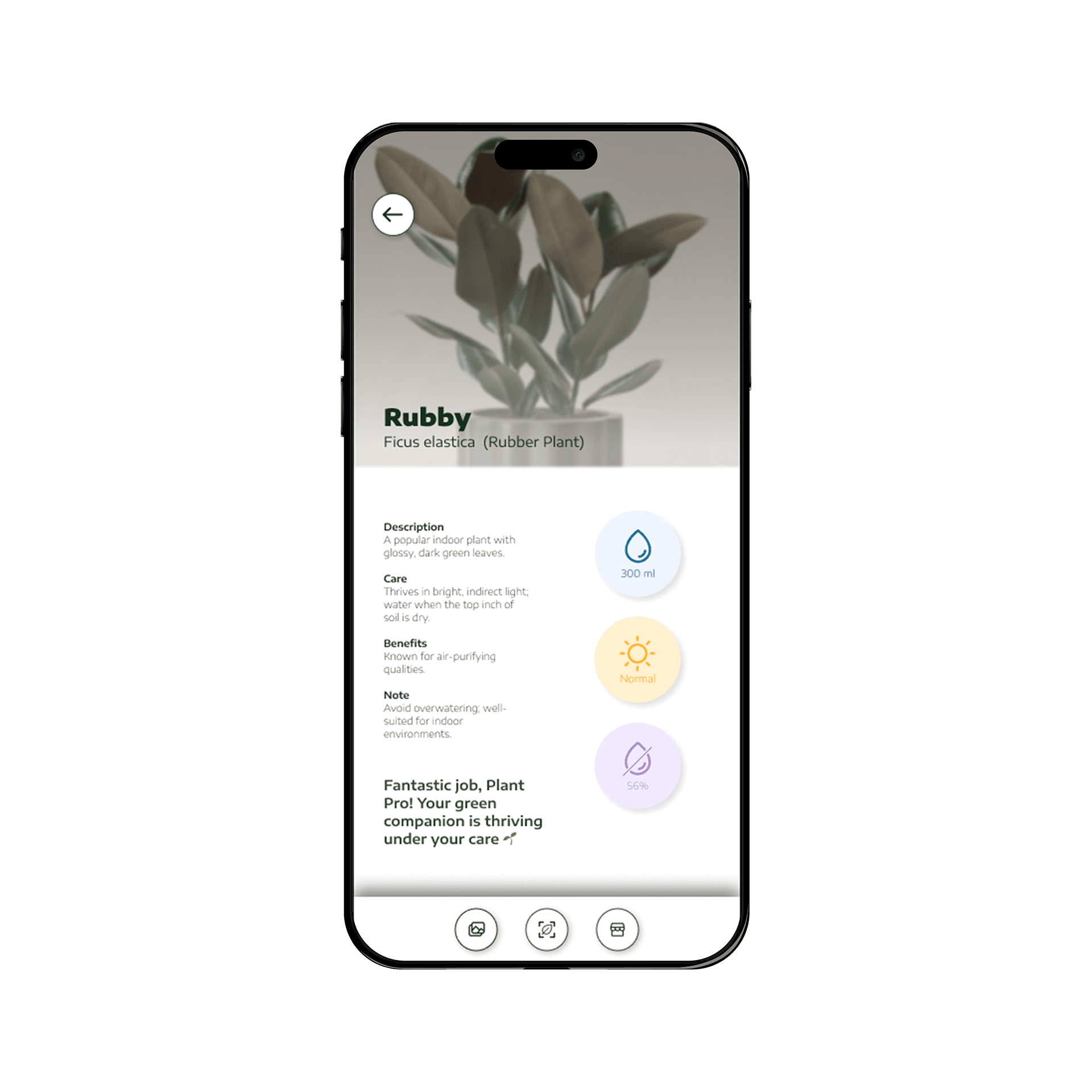
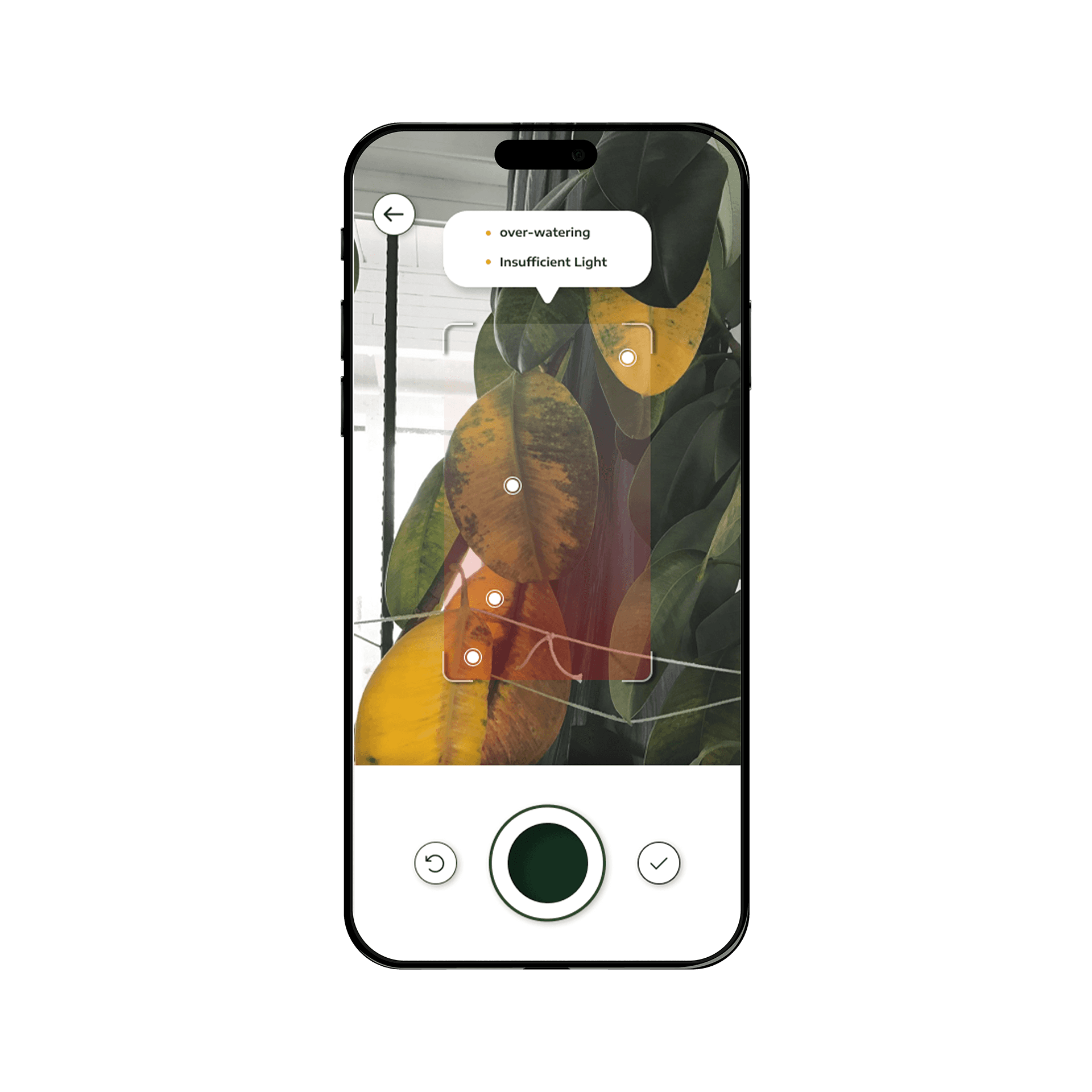
Based on the Low-Fidelity digital wireframes, hi-fi UI screens have been created, that reflect the interface of the app, as it will be for the users. Each service in the app has been assigned a color. All screens pertaining to that particular service reflect it's particular color.
IMPACT & VALIDATION
This project helped validate the core idea of PlantPal as a potential product, clarifying which features added real value to users and where the concept needed refinement before further investment.
LEARNINGS
Early validation is essential before committing to complex functionality.
Clear, low-friction flows are critical in habit-based experiences.
Small interactions (like scheduling and list management) strongly influence user confidence
WHAT I’D DO NEXT
I would refine key flows such as scheduling and plant management, then test these improvements through a beta release to evaluate real-world usability and technical feasibility.